

Issue:
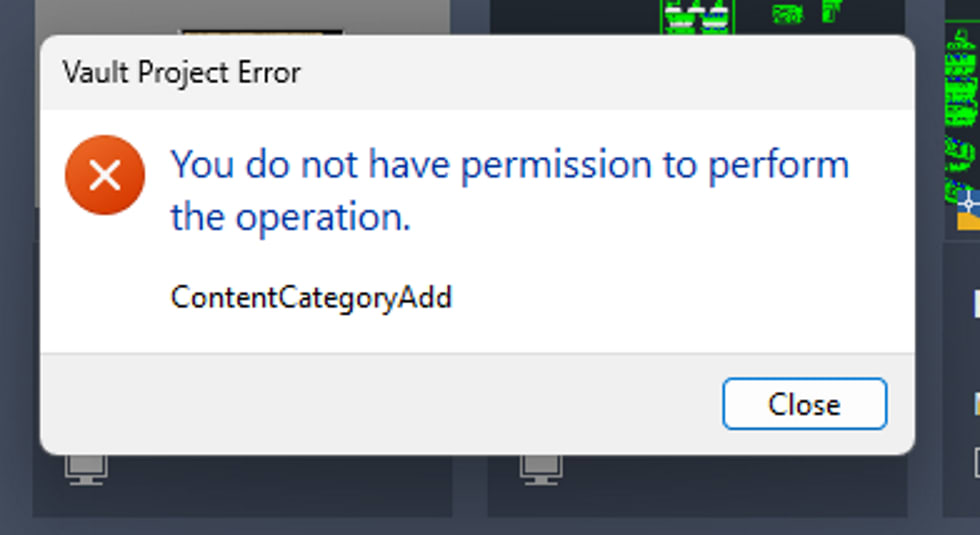
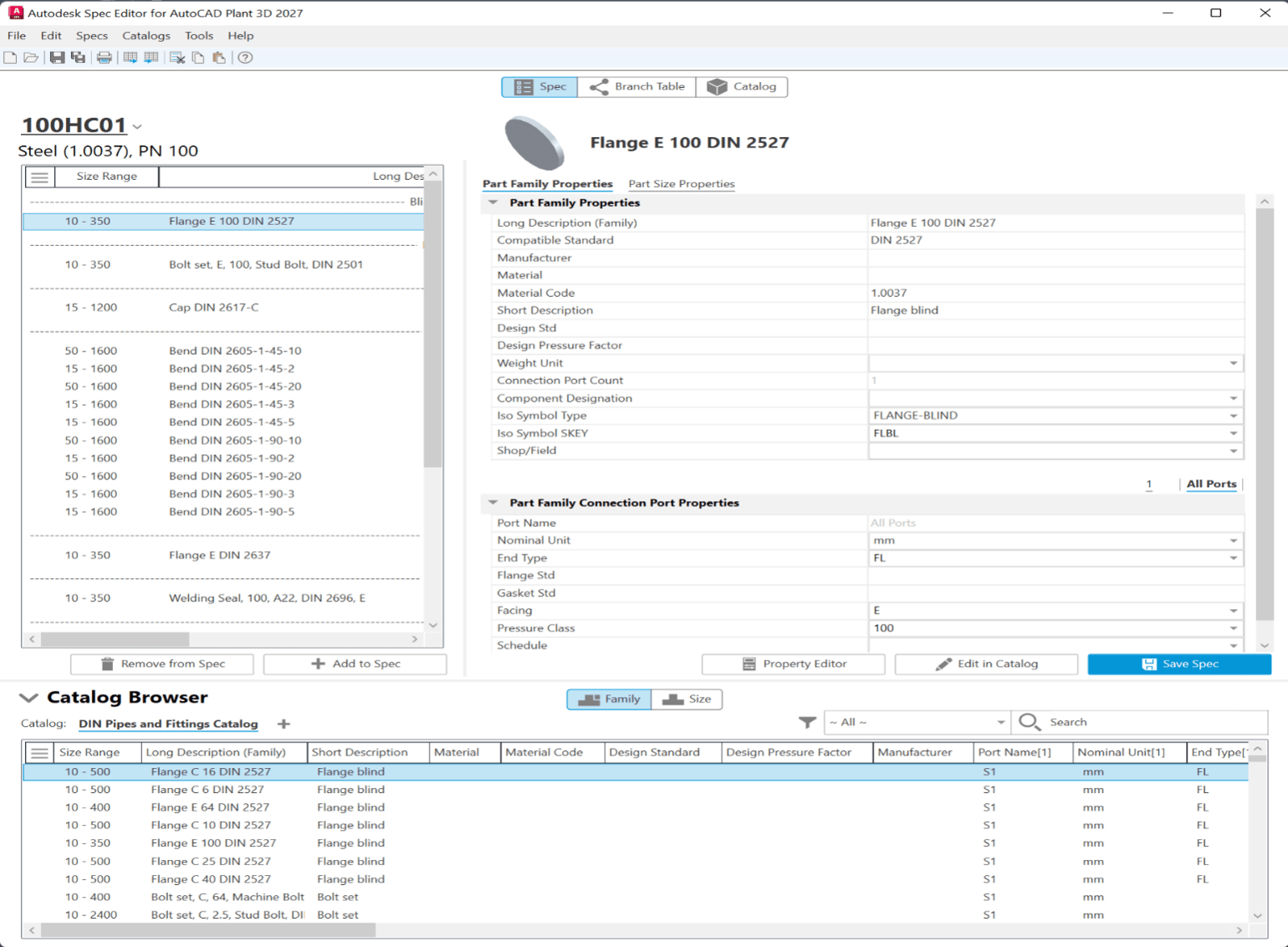
When attempting to make changes to the Spec Editor for AutoCAD Plant 3D, you receive the following error: “Vault Project Error: You do not have permission to perform the operation. (ContentCategoryAdd)”
Causes:
The issue is caused by incomplete or missing permissions for the Plant 3D user in Vault. The permissions issue is not directly related to Plant 3D since the same user would be able to make changes in the Spec Editor for a non-Vault project.
Solution:
The error message that is shown earlier in the article is due to a missing permission in Vault. The users who need to make changes to the Spec Editor and are receiving error indicated previously will need to be granted the “Content Center Administrator” role in Vault. This will allow them to make the necessary edits and should prevent the error from recurring.
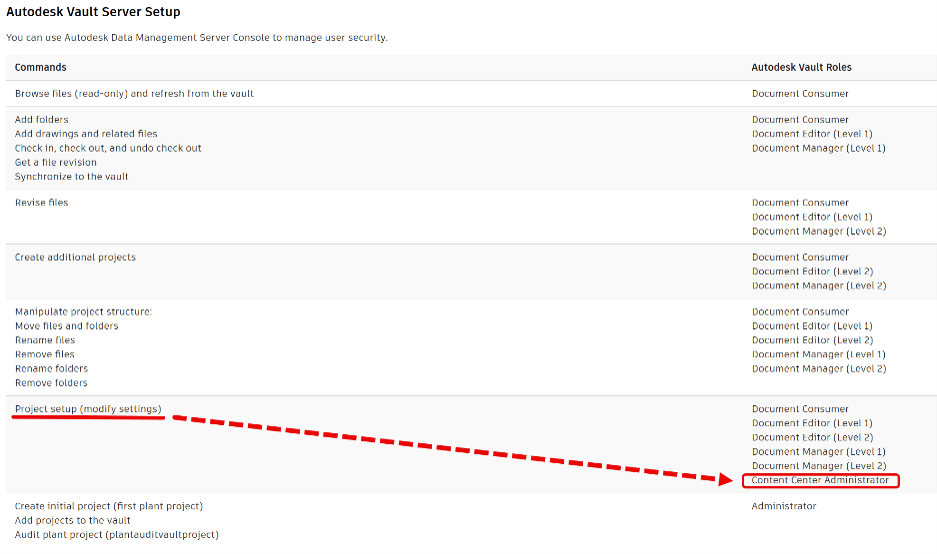
This link has the reference information in the Plant 3D Help Documentation: https://help.autodesk.com/view/PLNT3D/2027/ENU/?guid=GUID-3CBDB407-8051-413F-8B47-91FA42C497E0
About the Author
Follow on Linkedin More Content by Heath White


