

Problem:
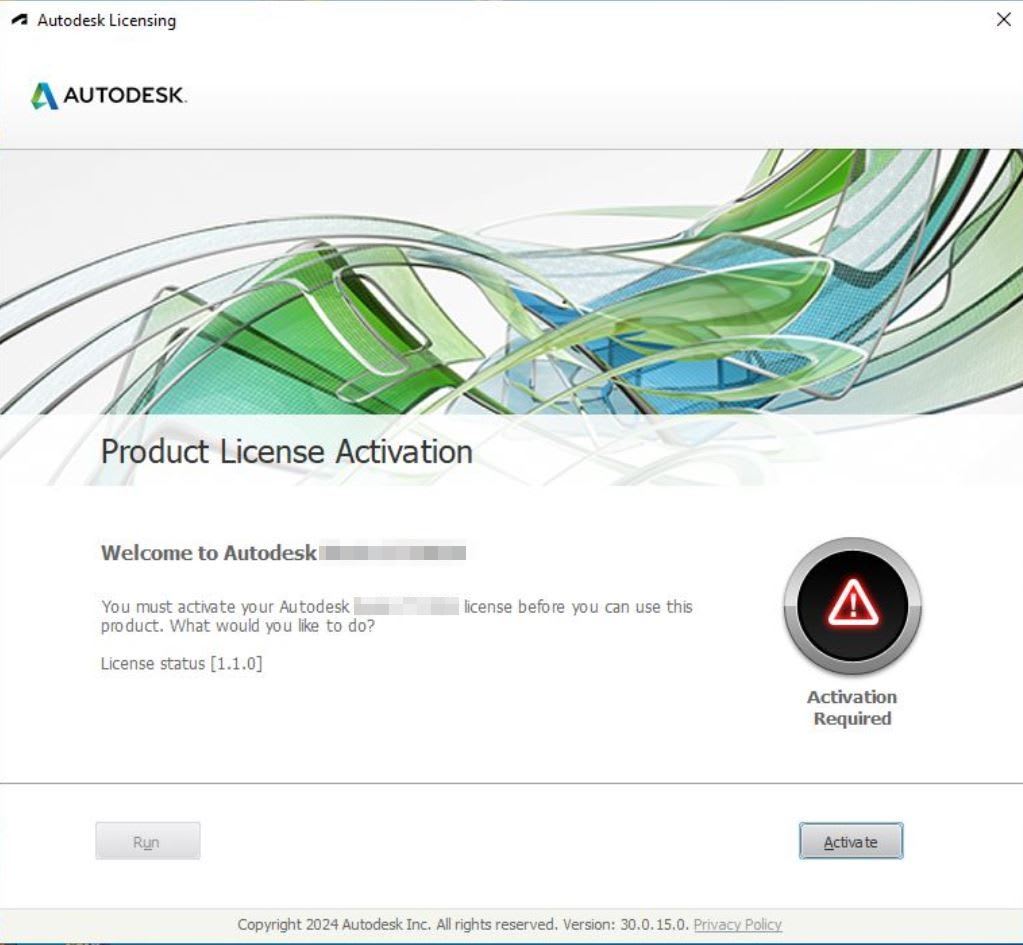
You are receiving the message "Activation Required" when launching your Autodesk software.
 Solutions:
Reset your Autodesk Licensing Type Within your Software
- Launch your Autodesk Software.
- In the top right hand corner click the drop down arrow next your Autodesk ID.
- Select Manage License.
- Select Change License Type.
- Choose the correct license type for your software.
Reset your Autodesk Licensing Type with the Autodesk Licensing Support Tool
- Download and install the tool here.
- Follow this article to change your license type within the tool.
About the Author
Follow on Linkedin More Content by Derek Piccininni


