

Issue:
If you have Autodesk Access installed on your Vault Server, you may have noticed that the update for Vault Server can show up in the Access Utility.
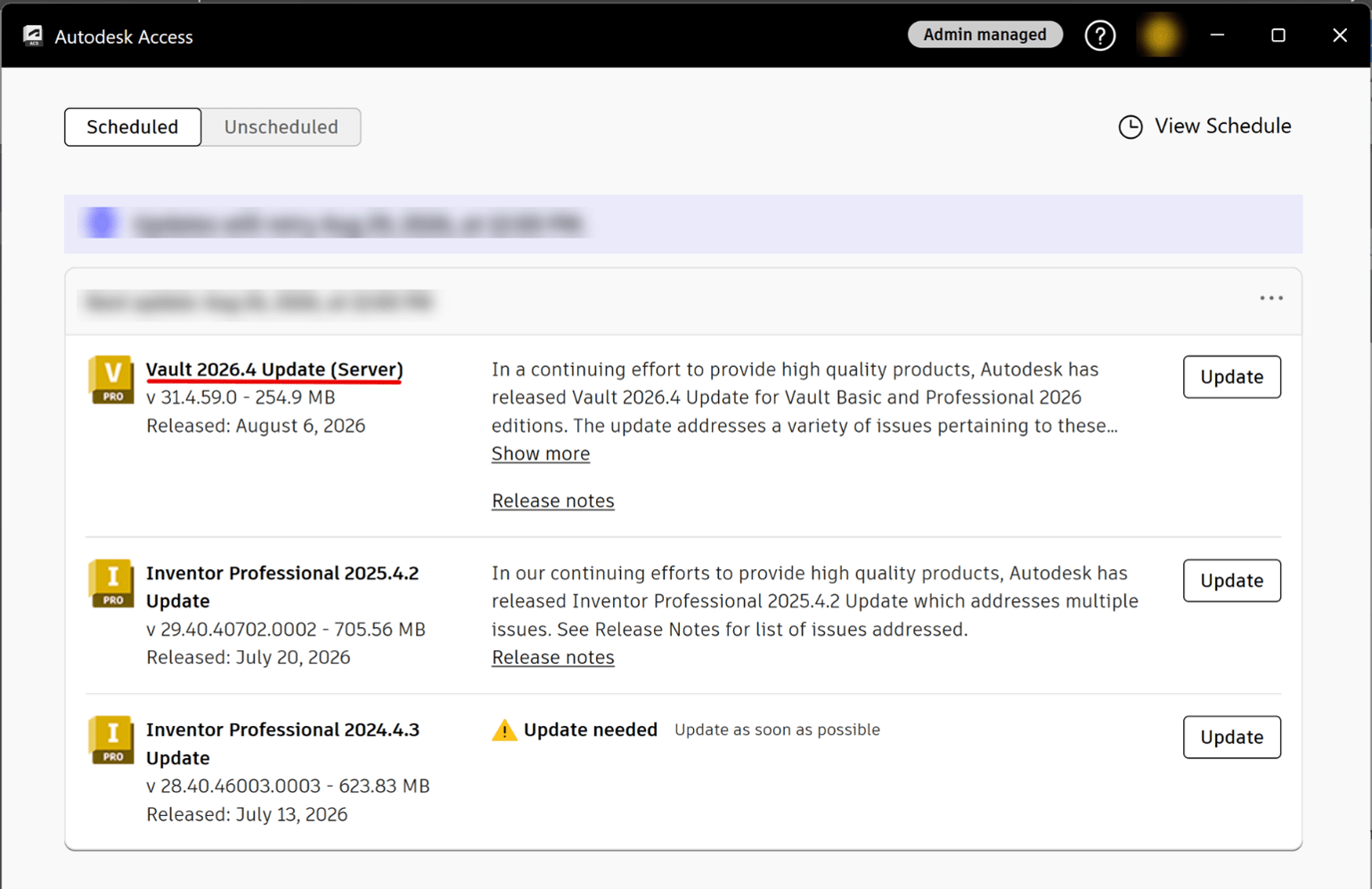
Causes:
While not a problem by itself, this does represent something of a risk if you are in the habit of just hitting a string of those “Update” buttons as you head out for lunch or at the end of the day to queue up multiple updates and let them run unattended. While this may be very convenient for most products, particular care should be used with Vault updates, especially with regards to the Vault Server.
In case you weren’t aware, when a Vault update is applied to the server (Autodesk Data Management Server Console), it cannot be uninstalled easily as you would with a Vault Client or CAD application. This is mainly due to the fact that Vault Server updates affect the Vault databases.
This also means that before any type of update is performed on the Vault Server (Autodesk related or not) there should ALWAYS be an ADMS Console backup created as part of a robust Disaster Recovery Plan (see the following link for Autodesk’s recommendations for DRPs):
https://www.autodesk.com/support/technical/article/caas/sfdcarticles/sfdcarticles/What-is-a-Vault-Disaster-Recovery-Plan.html
Solution:
This doesn’t really require a solution, rather proper planning and a bit of due diligence so that no one who has access to the Vault Server is ever unaware of the potential ramifications of applying Vault Server updates without a process in place and a Disaster Recovery Plan to fall back on in the event that something unexpected happens.
About the Author
Follow on Linkedin More Content by Heath White


