Issue:
Running Task Scheduler tasks in Inventor after installing the 2027.1 update is slower than running the same tasks in Inventor 2027.
The program takes longer to process the same files or can appear to lock up and produce errors in the log.
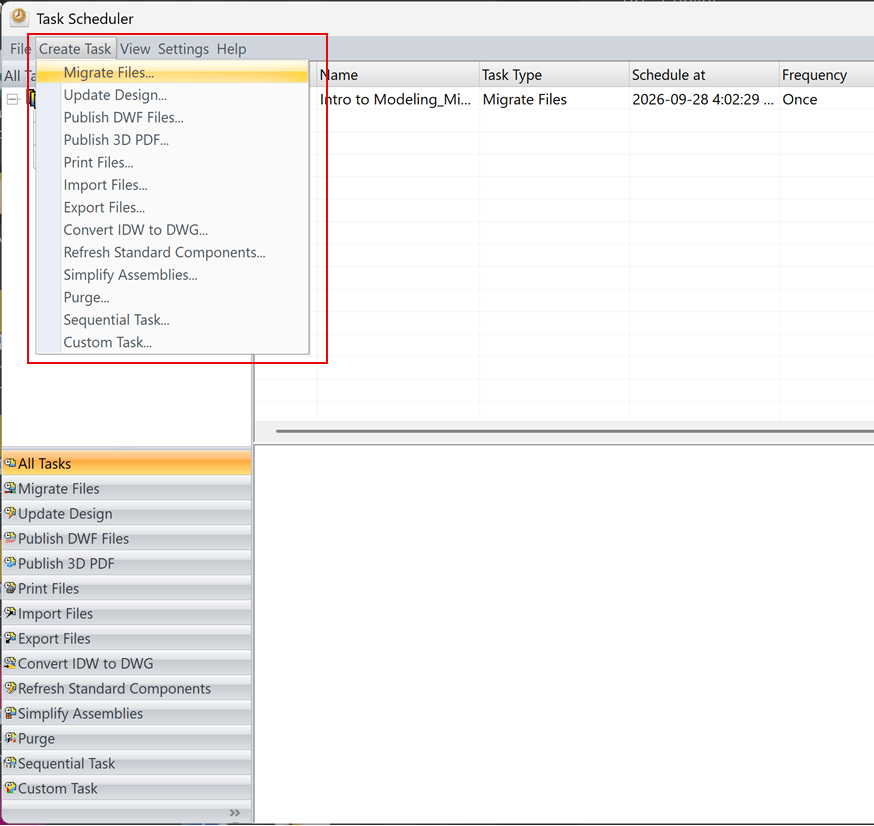
For example, running a Migrate Files task:
Cause:
Autodesk is investigating a cause for the performance degradation:
https://www.autodesk.com/support/technical/article/caas/sfdcarticles/sfdcarticles/Inventor-2027-1-Task-Scheduler-Displays-Slower-Performance-When-Processing-the-Same-Dataset.html
Solution:
The 2027.1 update cannot be uninstalled, see the Release Notes
Uninstall Inventor 2027.1 and get the 'Direct Download' installer files to install Inventor 2027 RTM.
About the Author

Manufacturing Technical Support Specialist<br><br>Joanna has over eight years of experience working with Autodesk products. She started supporting core AutoCAD and network installations of all Autodesk products. She now has five years of experience with Inventor. <br>
She graduated from Mechanical Engineering and has been providing solutions to clients and dedicating her knowledge to the Solution Center since then.
More Content by Joanna Gryszka


