

Applies to:
All AutoCAD-based 2026 Products
Issue:
There is a specific plotting behavior with the AutoCAD-based 2026 software when using anything but the standard rectangular viewport in a layout tab. Any linework that crosses the viewport boundary will appear darker and print darker in that area.
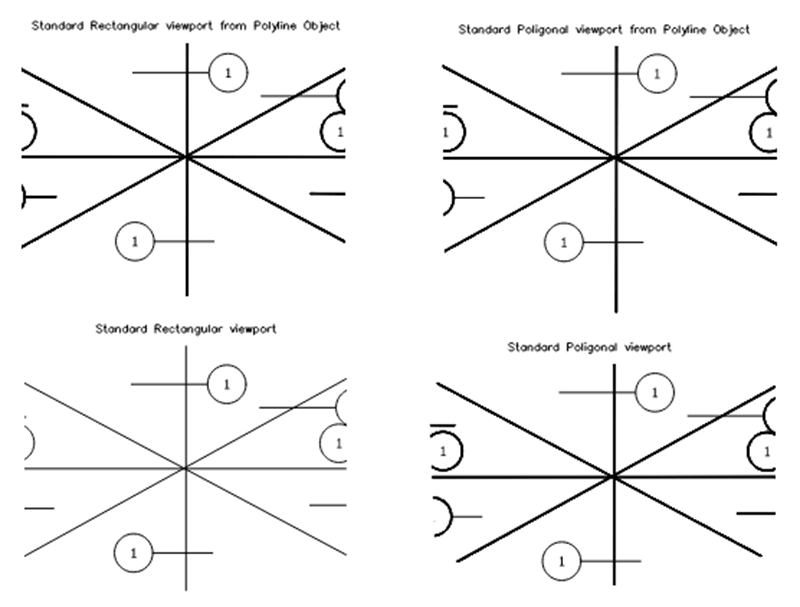
In investigating this, the elements that are crossing that boundary (in 2026) are no longer vectors with a width, they are filled solids instead:
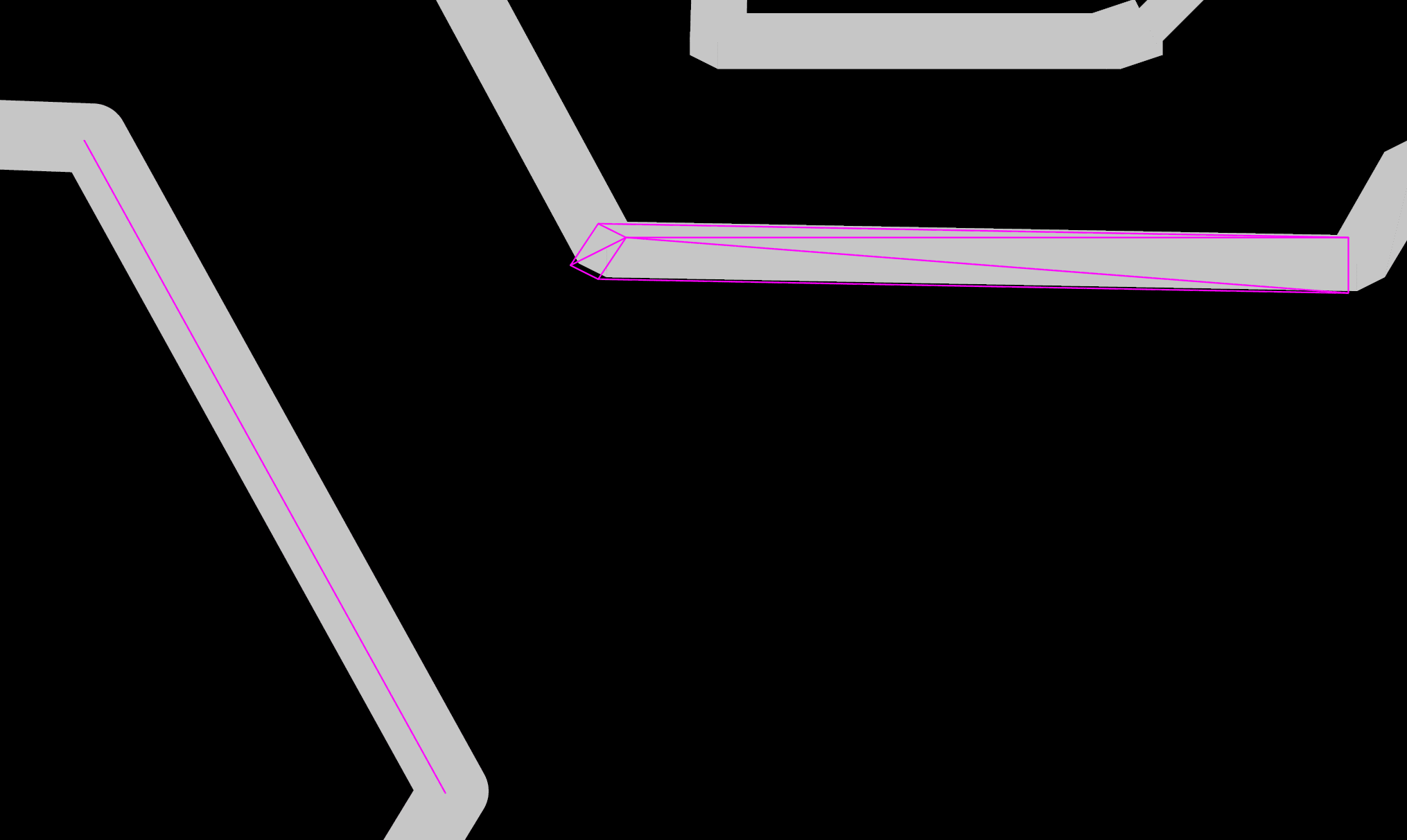
In cases where part of a dashed line crosses the boundary, only the single dash crossing will be a solid.
Causes:
This is a defect currently in AutoCAD-based 2026 products and will remain if you are at 2026.1.1 or previous update level.
Solution:
Either only use standard rectangular viewports or use an older version (2025 or older) to plot drawing sets. The other option is to update AutoCAD to 2026.1.2 update (August 5th release), that should correct the plot behavior.
About the Author
Follow on Linkedin More Content by Ryan Wunderlich


