

Applies to:
Civil 3D 2025 and 2026
Issue:
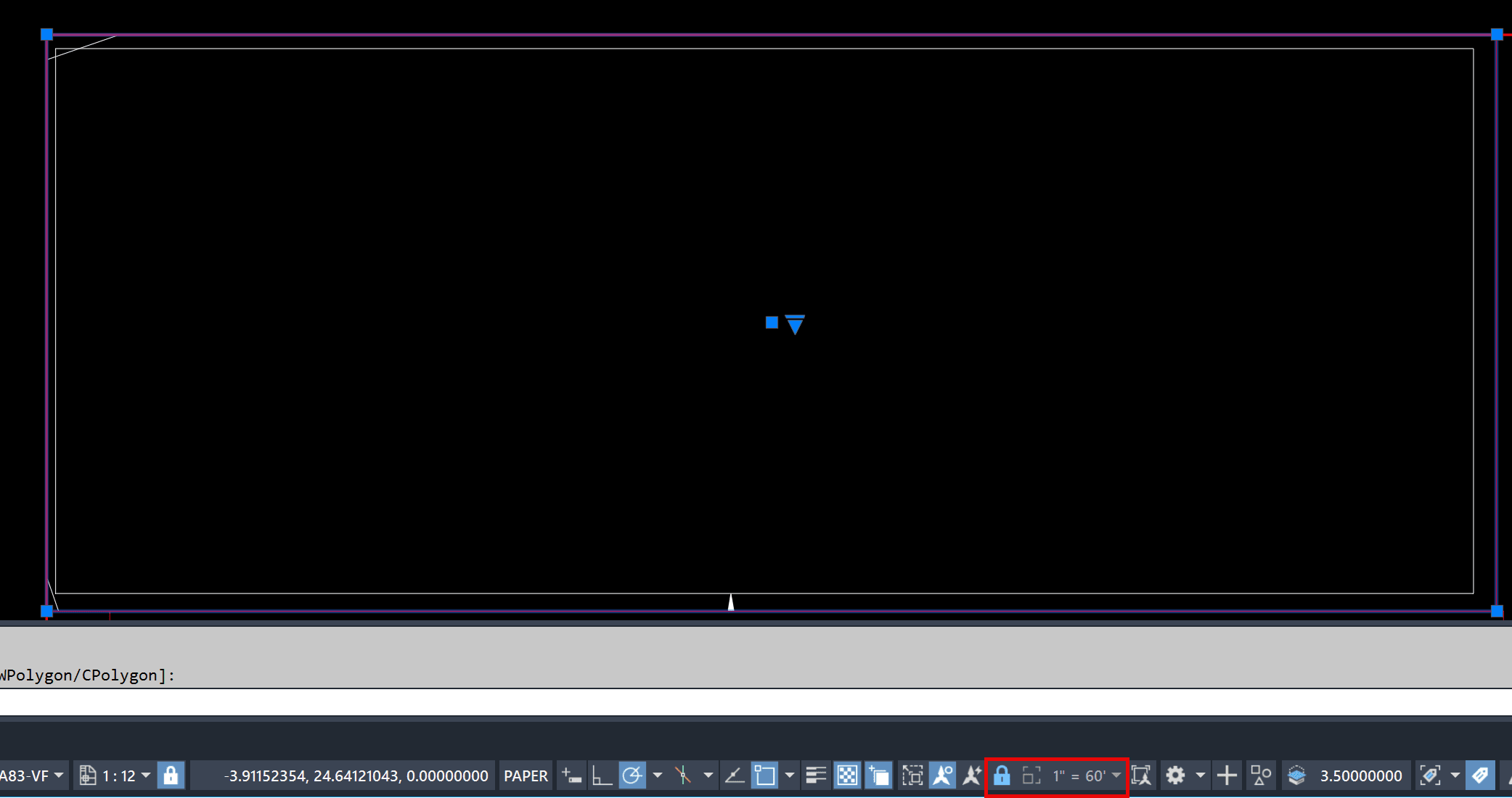
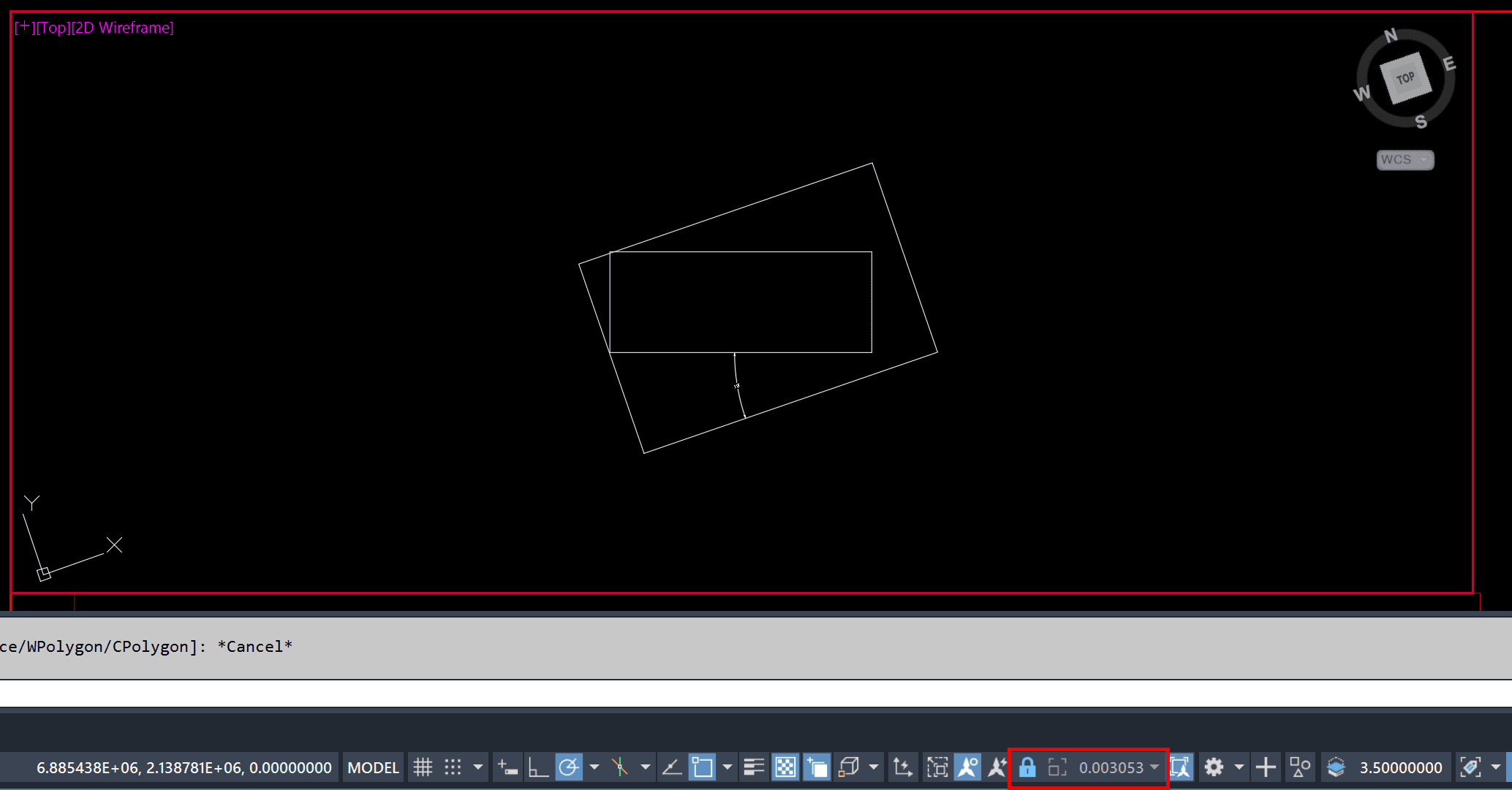
When you open a drawing or attach a reference template while active in a locked or unlocked viewport, the viewport zooms out.
Before attaching or opening (if it’s active):
After attaching (while active in a viewport) or after opening the file:
Causes:
This is a specific issue when the all of the following conditions apply:
1. You are active in a locked or unlocked Model Space viewport in a layout tab
2. The UCS is rotated
3. You either attach a reference template while active in the model space viewport or reopen the drawing with that viewport still active.
It occurs in most drawings, but not every drawing that meets the criteria above.
It is currently under investigation by Autodesk and logged as defect CPR-922
Solution:
Currently the only solution is to make sure you are not active in a viewport before closing a drawing with a reference template or do not attach one while in an active viewport. You can always unlock the viewport and reset the scale and relock.
About the Author
Follow on Linkedin More Content by Ryan Wunderlich


