

Issue:
IMAGINiT Utilities Reprise License Manager: How to Change default Port 27051.
When using the Reprise License Manager with the IMAGINiT Utilities there are 4 ports that must be open. 5054, 5053, 27051 (by default but can be changed), and a Dynamic port that changes.
Causes:
How to change the 27051-default port.
Solution:
1.) Start SetupHelper.exe.
2.) Go to the “License File” Tab. (see figure 1)
3.) Select “Set Port” lower right. (see figure 2)
4.) On the new Dialog type the port you would like to replace 27051 and select “OK”. (see figure 3)
You should now have Port 27051 changed to the new Port.
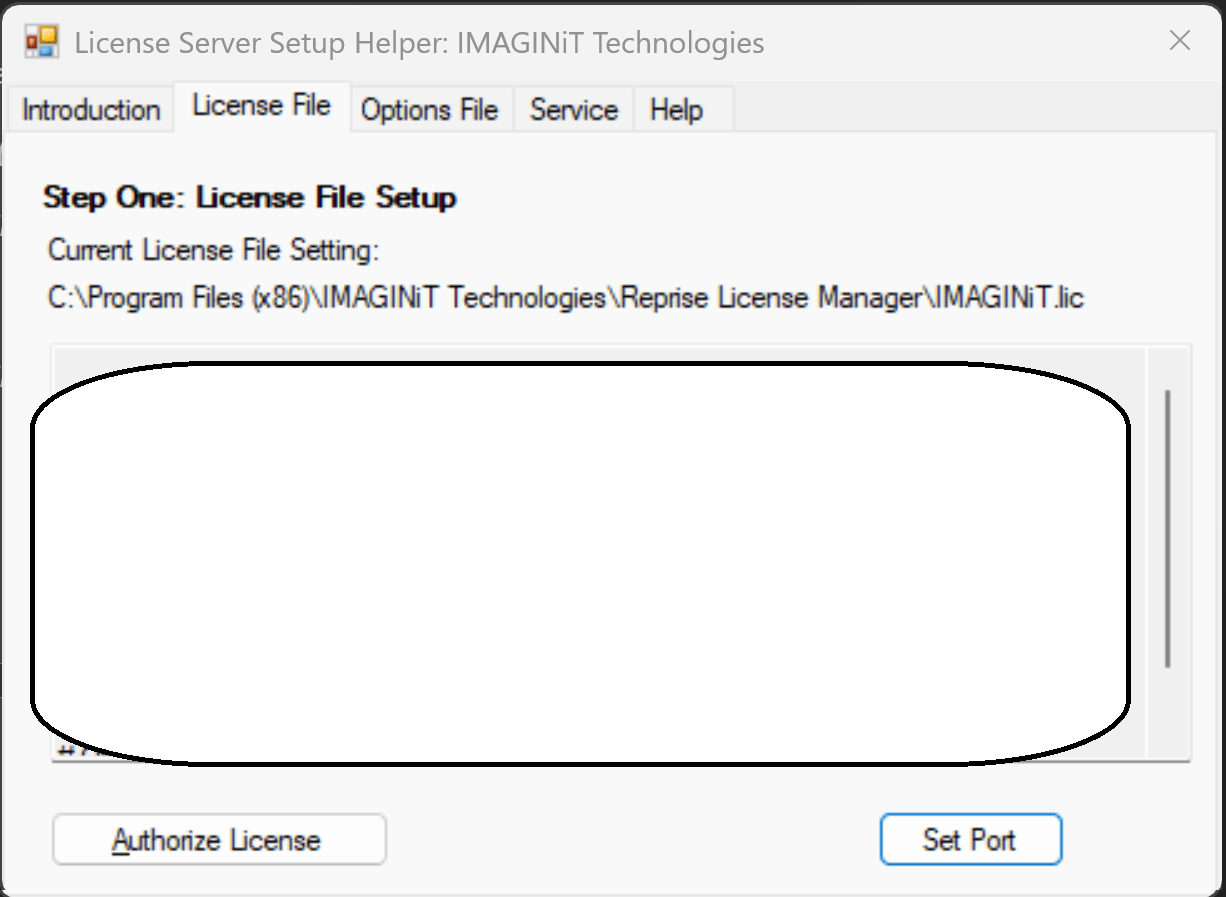
Figure 1
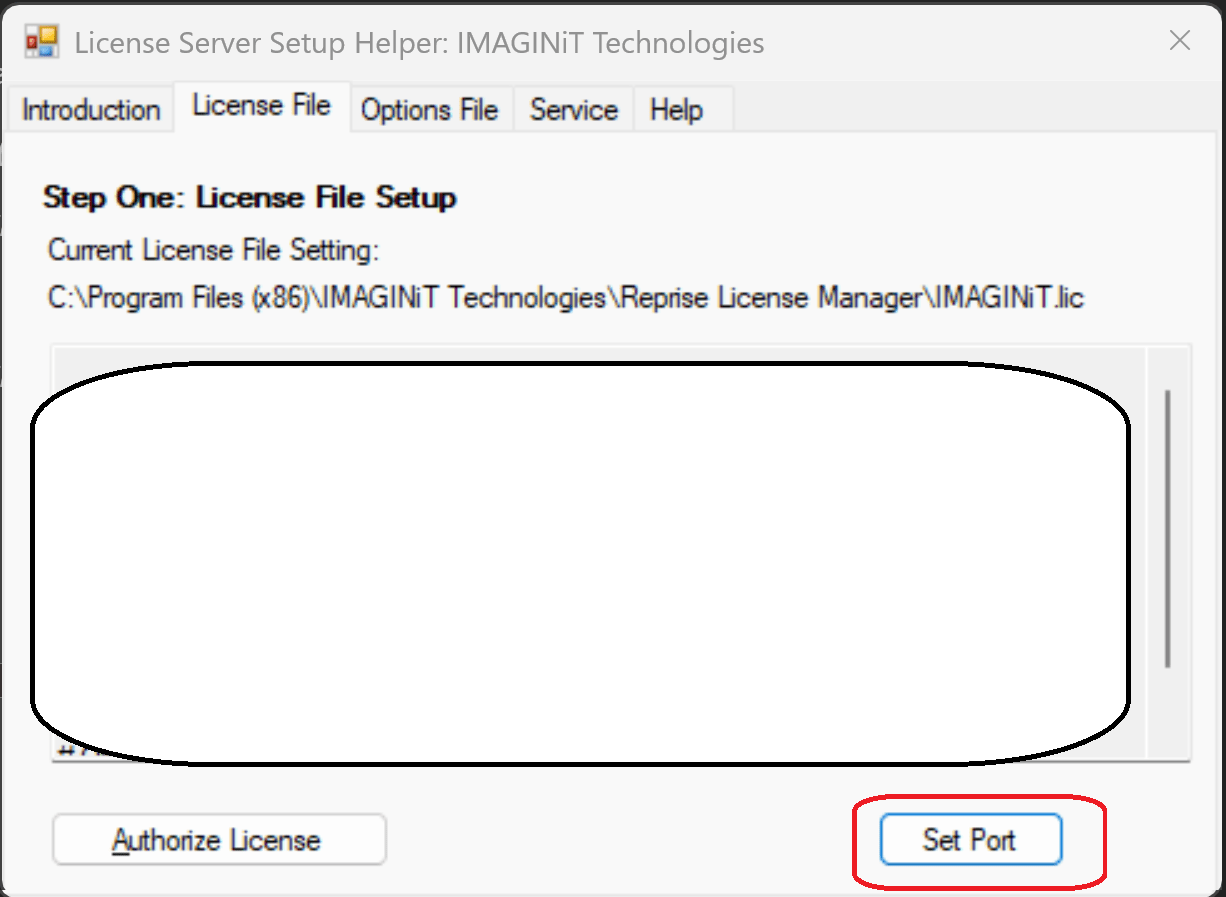
Figure 2

Figure 3
Note: This file is in the same folder the Reprise License Manager is installed in.
Traditionally (Depending on version)
C:\Program Files\IMAGINiT Technologies\Reprise License Manager
or
C:\Program Files (x86)\IMAGINiT Technologies\Reprise License Manager
About the Author
Follow on Linkedin More Content by Jeff Arbogast


