

Issue:
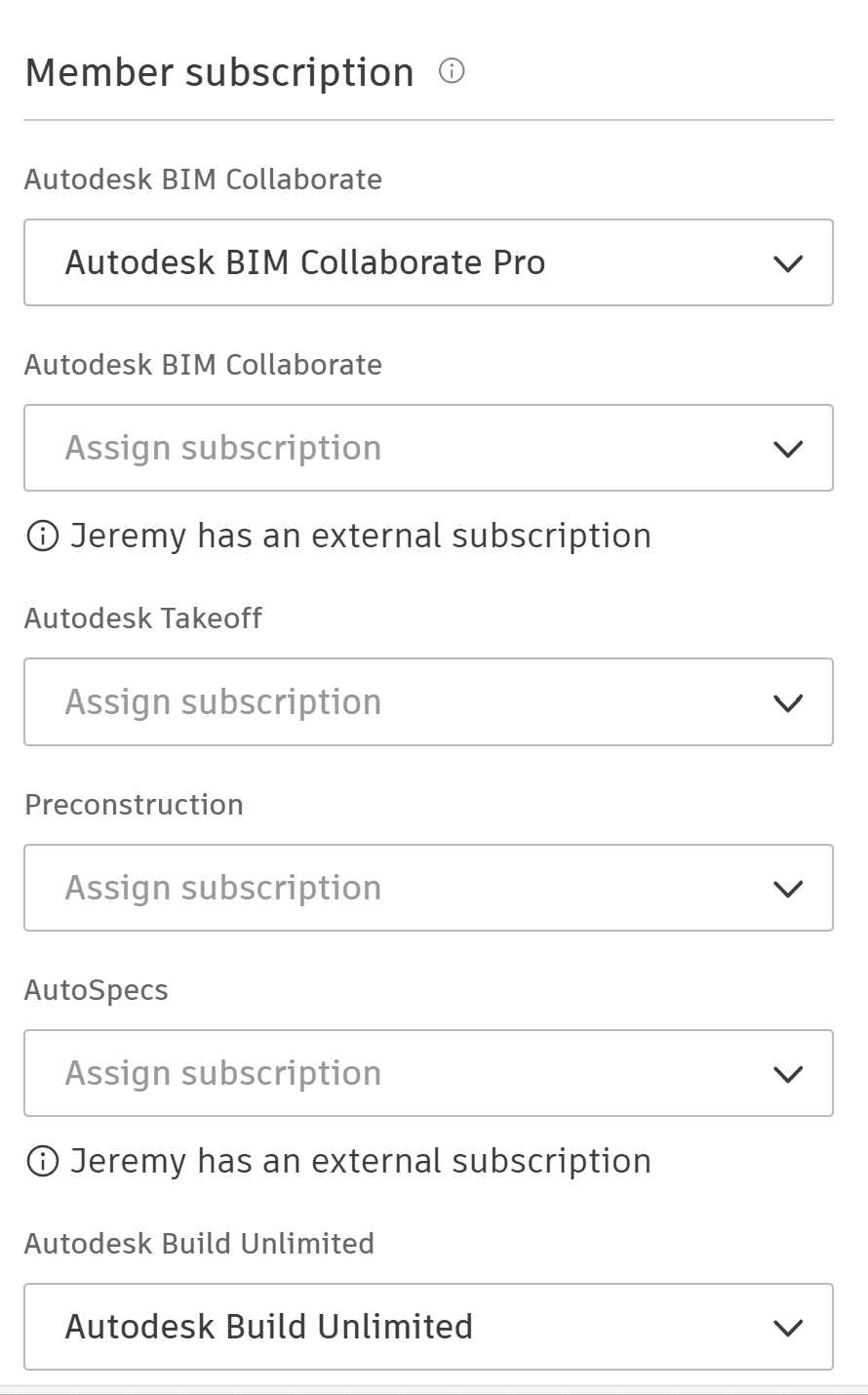
When attempting to assign an Autodesk Docs license to a member on their ACC account (Account Admin > Members page), some users report that Docs is not included under "Member subscriptions".
As shown in the example below, several products are available to assign, but Docs is not one of them.
Cause:
Autodesk Docs is only available to assign from the ACC platform if the customer has subscription for standalone Docs licenses. Docs licenses that are part of AEC Collections cannot be assigned from the ACC platform; they need to be assigned from the customer's Autodesk Account (manage.autodesk.com). BIM Collaborate Pro, Build, and Takeoff include Docs when assigned to users, and therefore, there is no separate Docs subscription to assign.
Solution:
In summary, note the following:
| Subscription | Assign from: |
| Standalone Autodesk Docs | ACC platform or manage.autodesk.com |
| AEC Collections | manage.autodesk.com |
| BIM Collaborate Pro/Build/Takeoff | ACC platform or manage.autodesk.com |
About the Author
More Content by Jeremy Smith


