

Revit 2023, 2024, 2025, 2026
Issue:
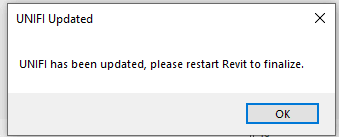
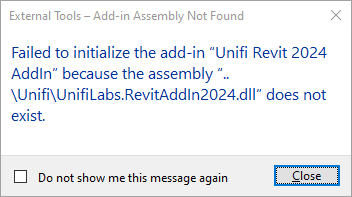
A dialog box, as shown below, keeps appearing when starting Revit 2022, 2023, or 2024.
Causes:
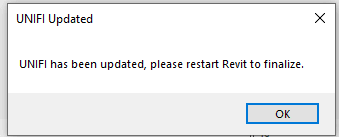
If the above pop-up appears, it is likely because the Content Catalog beta version was installed prior to the installation of the official Content Catalog version.
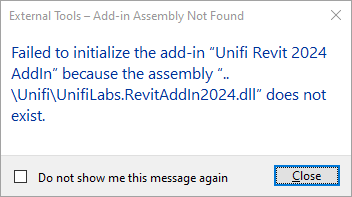
The dialog warning appears after uninstalling the Content Catalog beta version.
If the Content Catalog beta version wasn’t uninstalled cleanly before installing the official version, users will encounter this issue.
Solution:
The Content Catalog beta version places the add-in file in the AppData folder instead of the ProgramData folder. To resolve this issue, locate all add-in files and delete them.
1. The location of the add-in files for UnifiLabs.RevitAddin202x.dll is:
2. Each version has an add-in file. Delete the file from each folder.
Remarks:
The UNIFI development team is reviewing the add-in placement to ensure the file is located in the typical add-in location. This will be addressed in a future release.
About the Author
Follow on Linkedin More Content by Gregory Lee


