

Applies to: Civil 3D
Issue:
The Description Key Set may have been added or modified after the points were imported.
Causes:
Solution:
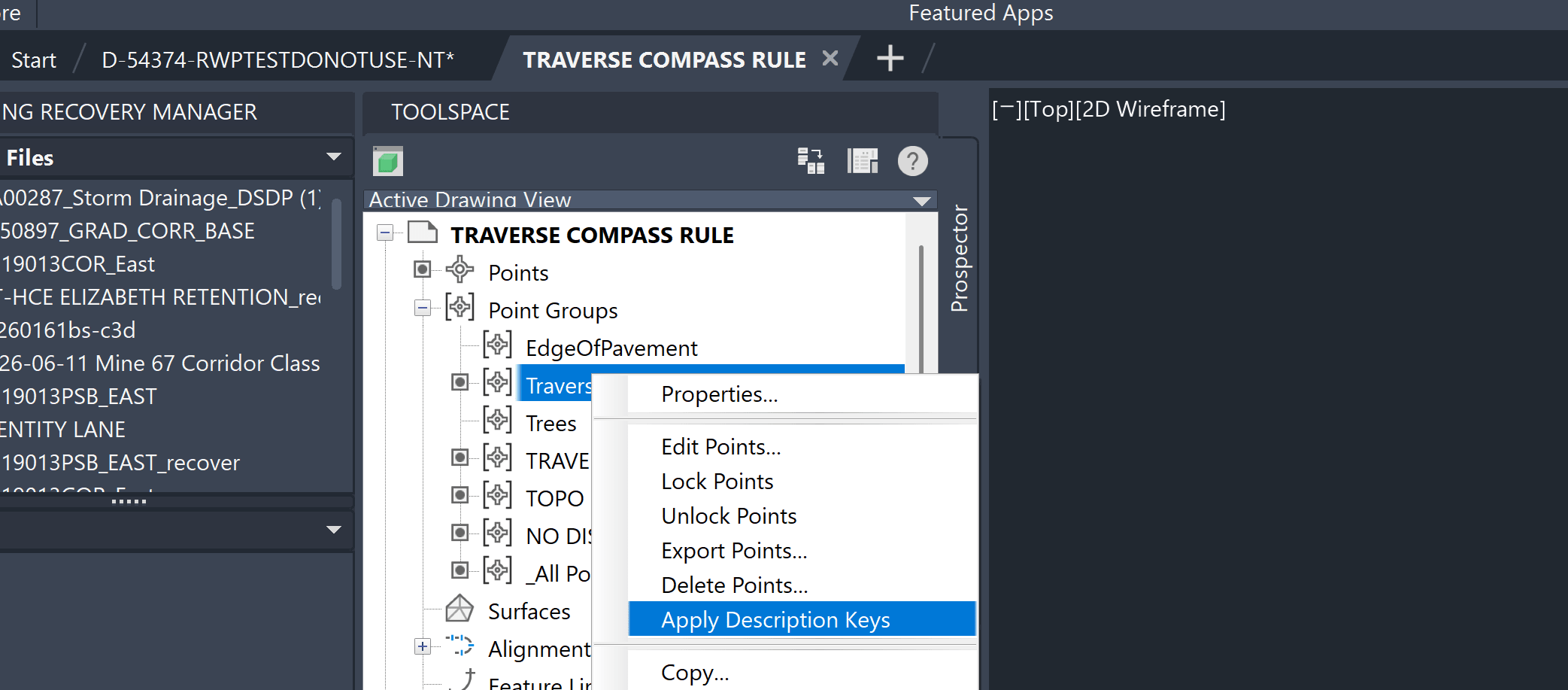
1 – Open Toolspace > Prospector.
2 – Expand Points.
3 – Select the COGO points that need to be updated.
4 – Right-click the selected points.
5 – Select Apply Description Keys.
6 – Civil 3D will reprocess each point's Raw Description against the current Description Key Sets.
If the expected style is still not applied, go to:
Toolspace > Settings > Point > Description Key Sets
Verify that the point's Raw Description matches the appropriate Description Key Code.
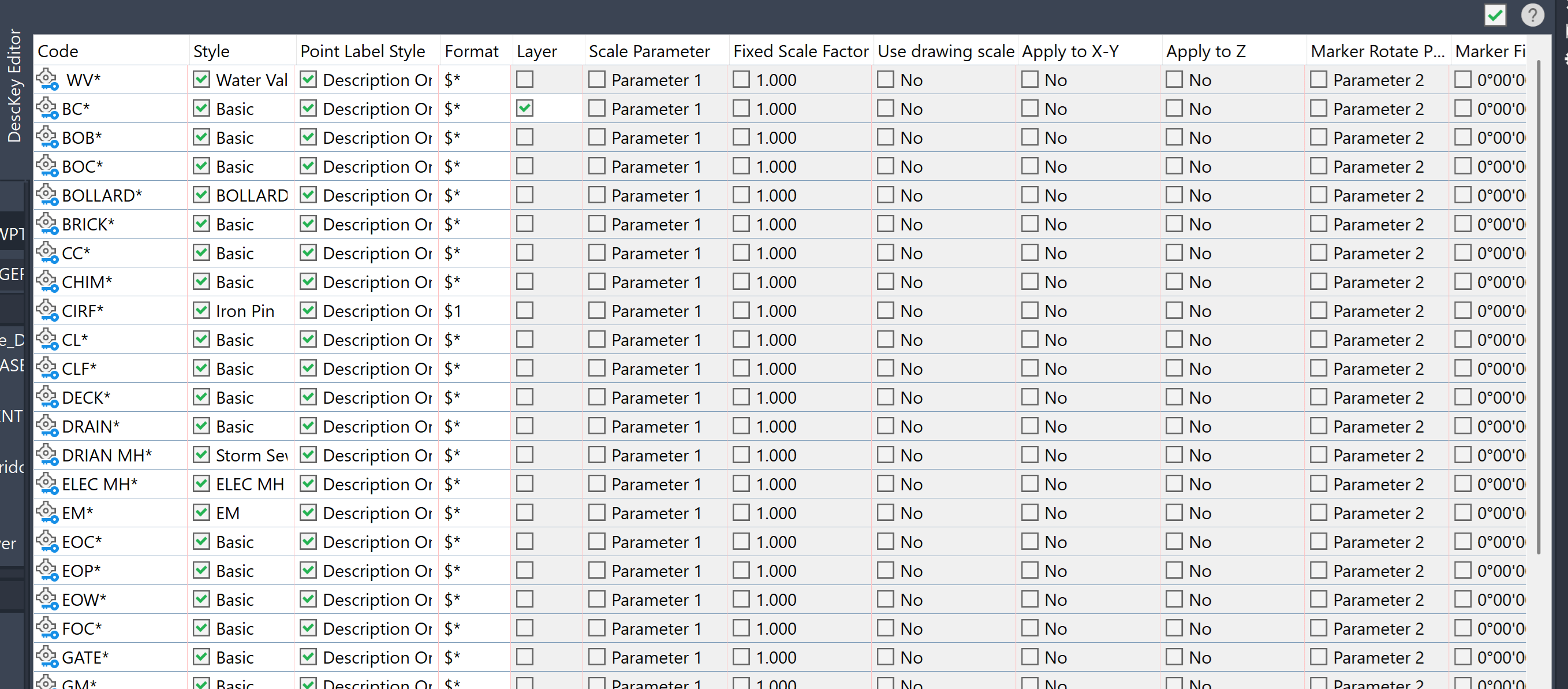
For example, a Description Key Code of:
EP*
can match Raw Descriptions such as EP, EP1, or EP EDGE.
Description Keys are matched against the Raw Description, not the Full Description.


