

Problem:
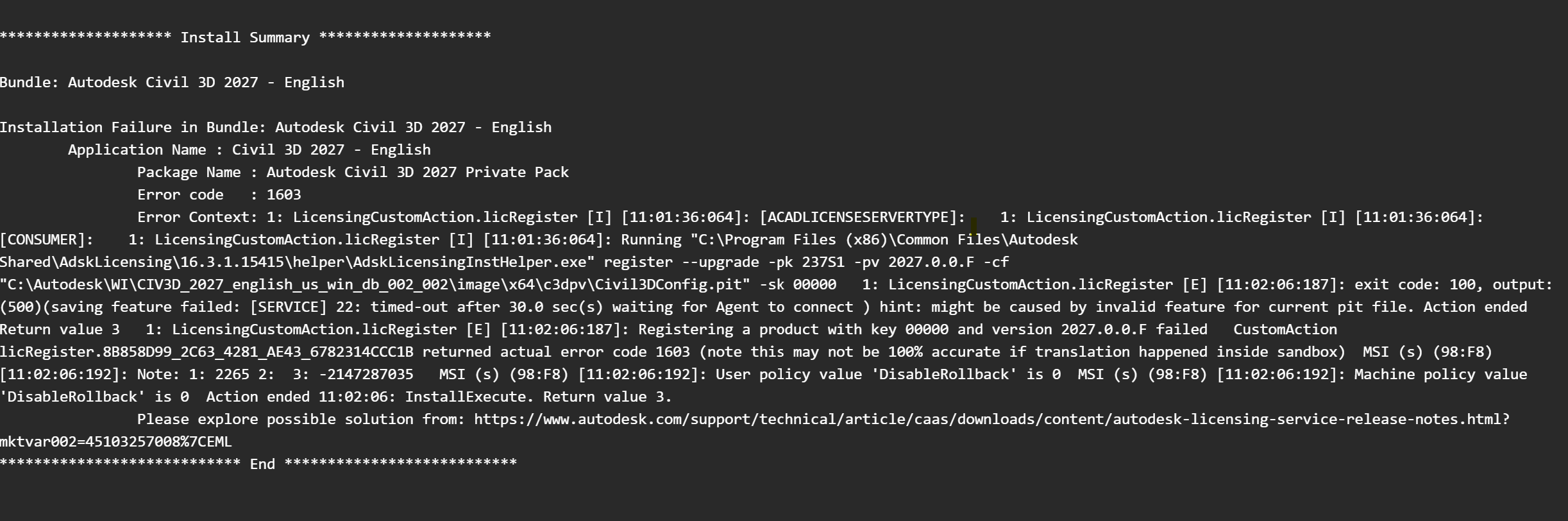
When installing Autodesk software the install fails with a 1603 error and the logs show the following error:
Solution:
1. Press Windows key + R and enter Services.msc in the run dialog box.
2. Find the Autodesk Desktop Licensing Service.
3. Right click on the Autodesk Desktop Licensing Service and select 'Properties'.
4. Navigate to the 'Log on Tab' and select 'Local System Account'.
5. Check 'Allow service to interact with Desktop'.
6. Right click the Autodesk Desktop Licensing Service and 'Stop' the service.
7. Right click the Autodesk Desktop Licensing Service and 'Start' the service.
8. Try to install the product again.
About the Author
Follow on Linkedin More Content by Derek Piccininni


