

Issue:
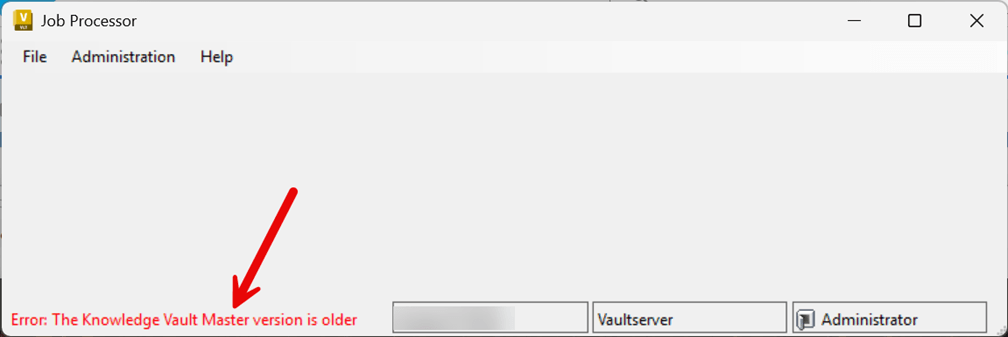
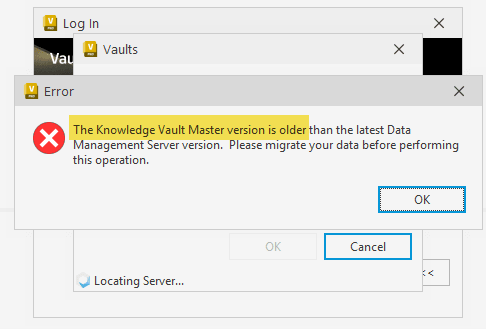
When signing into Vault Client or the Vault Job Processor, a notification appears that states Error: “The Knowledge Vault Master version is older”.
The image below is the notification that occurs in the Job Processor.
The notification below occurs when logging into the Vault Client
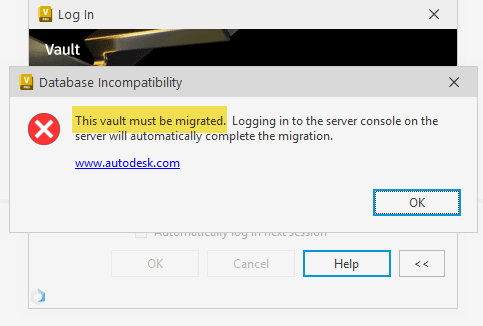
Another potential notification may state Database Incompatibility: “The Vault must be migrated…”.
Causes:
As suggested from the notifications, the Vault databases need to be migrated. This occurs when an update has been installed for the Autodesk Data Management Server Console (aka ADMS Console, Vault Server) but the databases were not migrated.
Solution:
The Vault databases need to be migrated each time a Vault Server update is installed. This will migrate the databases from the pre-update build to the build of the Vault update.
Example:
An update for Vault 2026, such as Vault 2026.2, is installed for the Vault ADMS Console 2026. The new Vault build is 2026.2. A database migration needs to occur so both the Vault ADMS Console and Vault databases have matching builds.
1. Launch the Vault ADMS Console. This step will automatically trigger the Knowledge Vault Master (KVM) database migration.
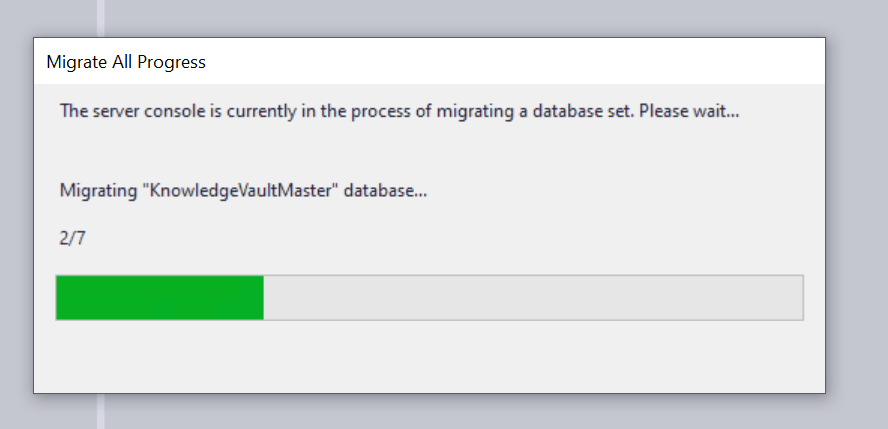
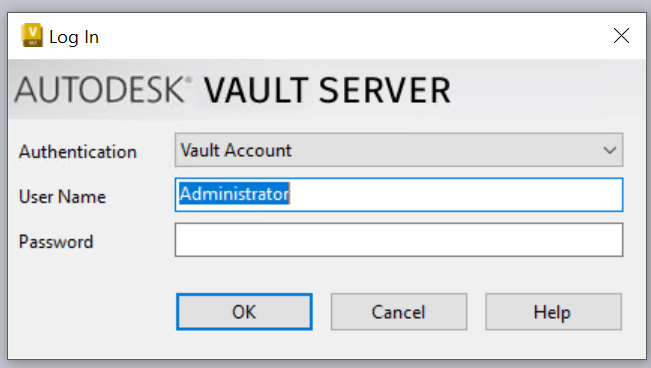
2. Sign into the Vault ADMS Console as either the Administrator or an account assigned the Administrator role.
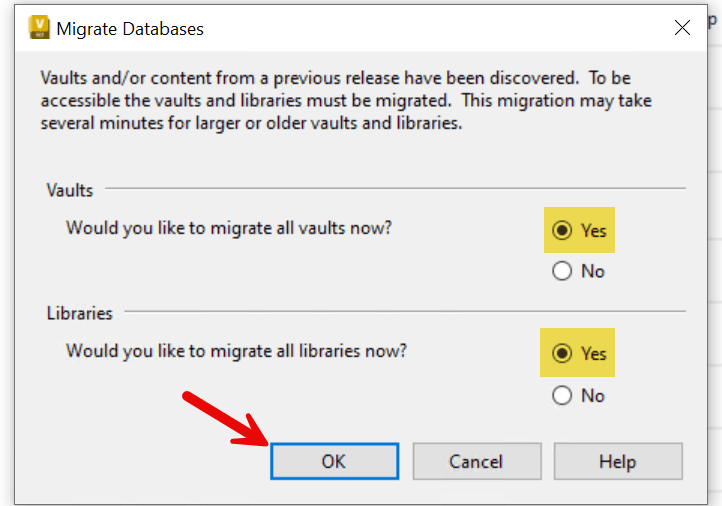
3. A dialog box will appear prompting Yes or No to the migration. Select Yes to migrate Vaults and libraries.
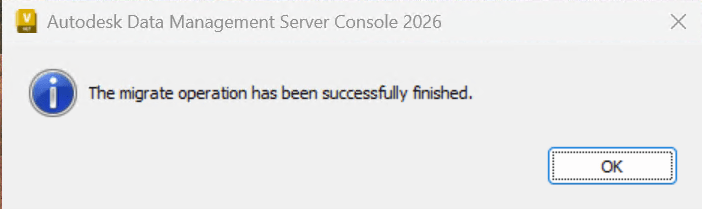
4. The migration will be complete when the dialog box “The migrate operation has been successfully finished” appears on screen. Select OK to exit.
Vault user logins should now be successful for both the Vault Client and the Vault Job Processor.
About the Author
Follow on Linkedin More Content by Shawn Heator


