Applies to:
Civil 3D 2025
Civil 3D 2026
Issue:
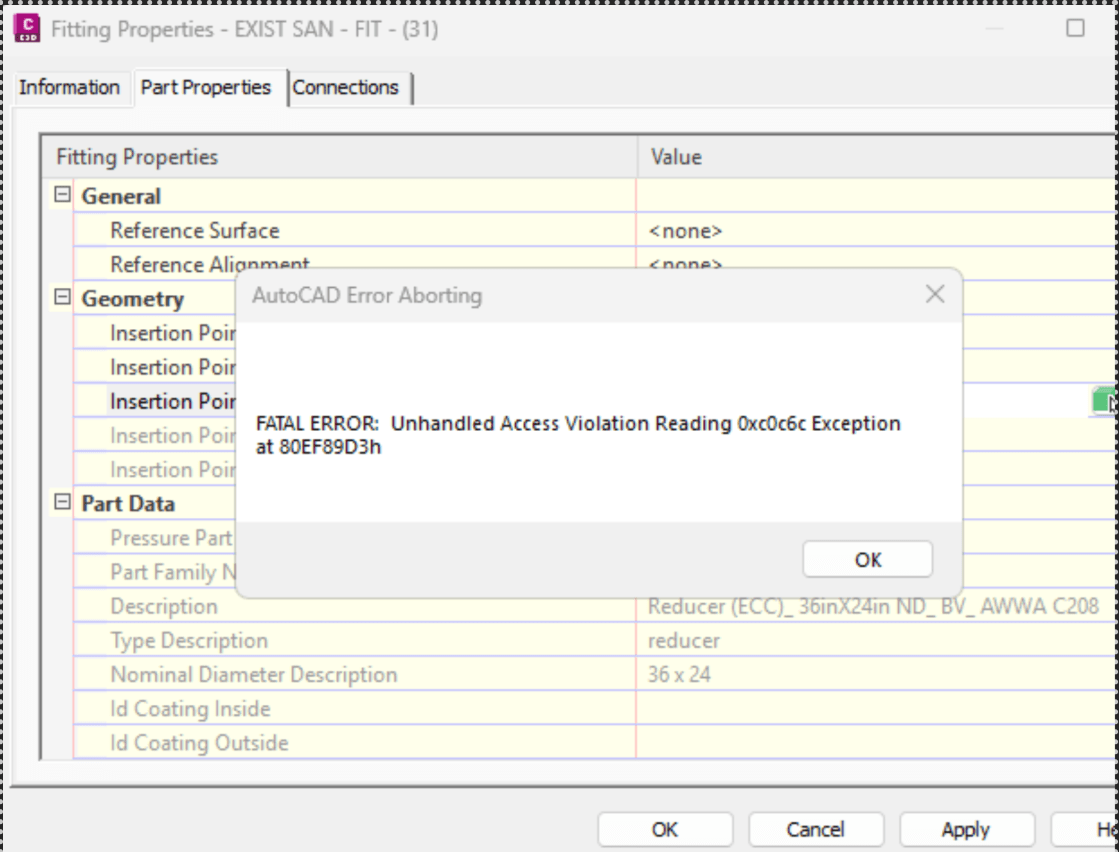
Civil 3D crashes with a Fatal Error or Unhandled Access Violation, often when opening Pressure Network fitting properties, editing connections, or swapping parts.
Causes:
Corrupt pressure network fitting objects.
Damaged pressure parts catalogs.
Custom parts migrated from older versions.
Pressure Network defects addressed in later Civil 3D updates.
Solution:
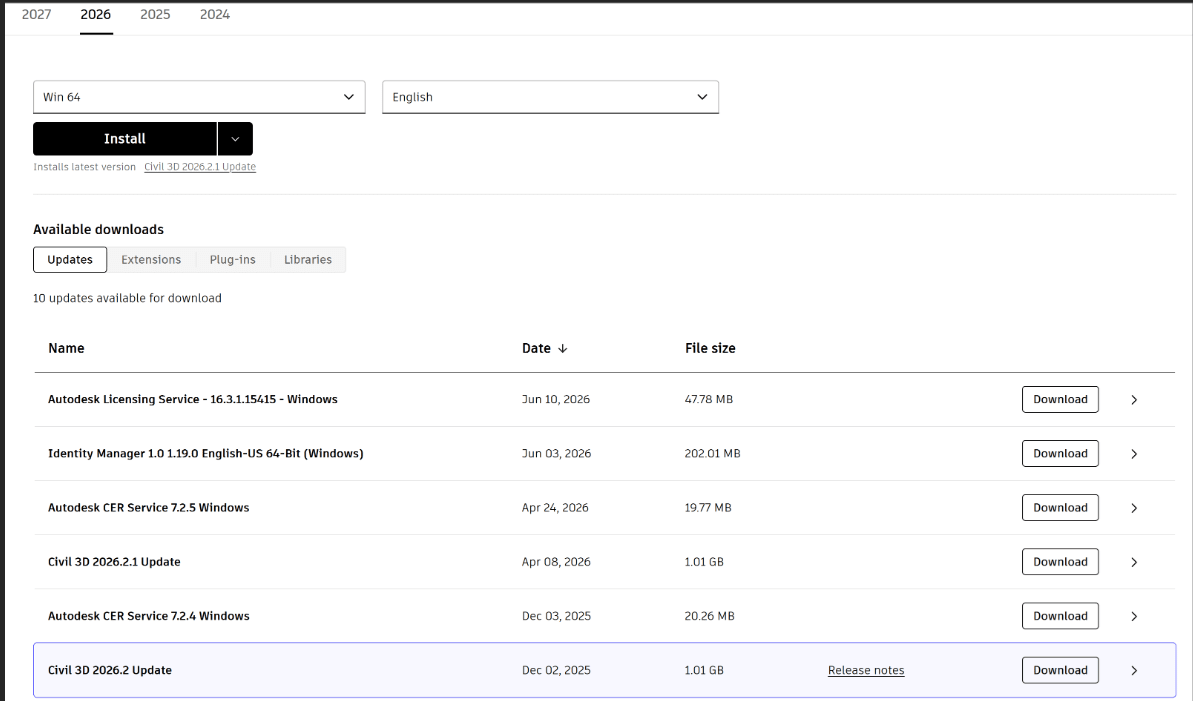
Install the latest Civil 3D update for you version from www.manage.autodesk.com
Go to manage.autodesk.com
Click All Products
Scroll down to Civil 3D Box and set year dropdown on left
Click ‘View Details’ below
Select Updates box and find the latest update for your version