

Issue:
I need to download the Revit content and family libraries or extra Revit content.
Solution:
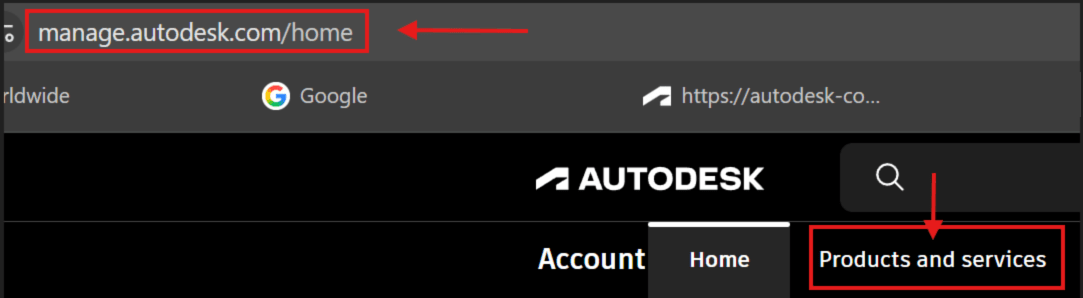
- Open your Internet browser and go to https://manage.autodesk.com
- Click on Products and services
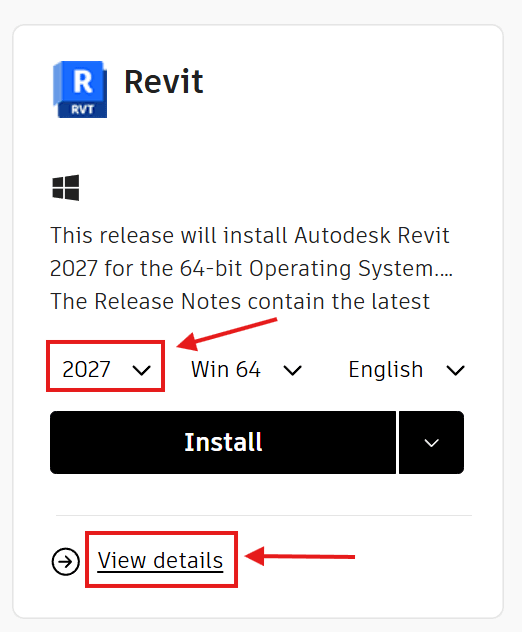
3. Find Revit, choose the version, such as 2027, then click on View details.
Note: The version can also be changed on the next screen.
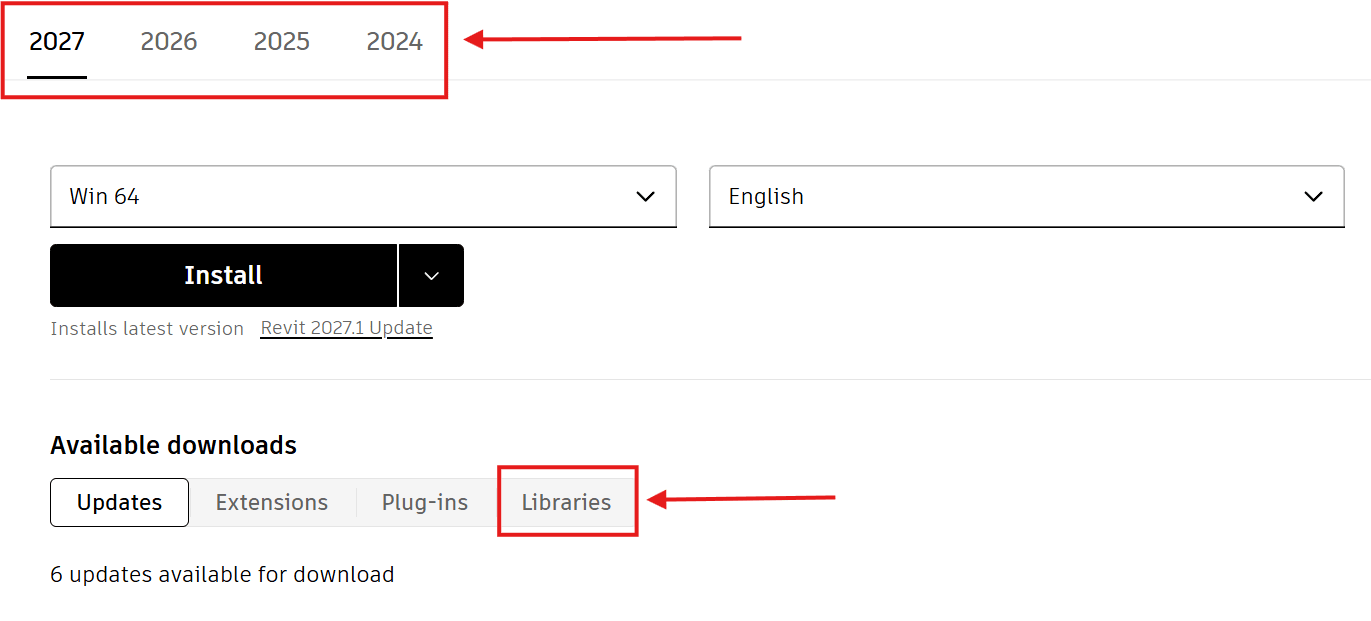
4. Check to make sure the version of the Revit libraries is correct, then click on the Libraries button.
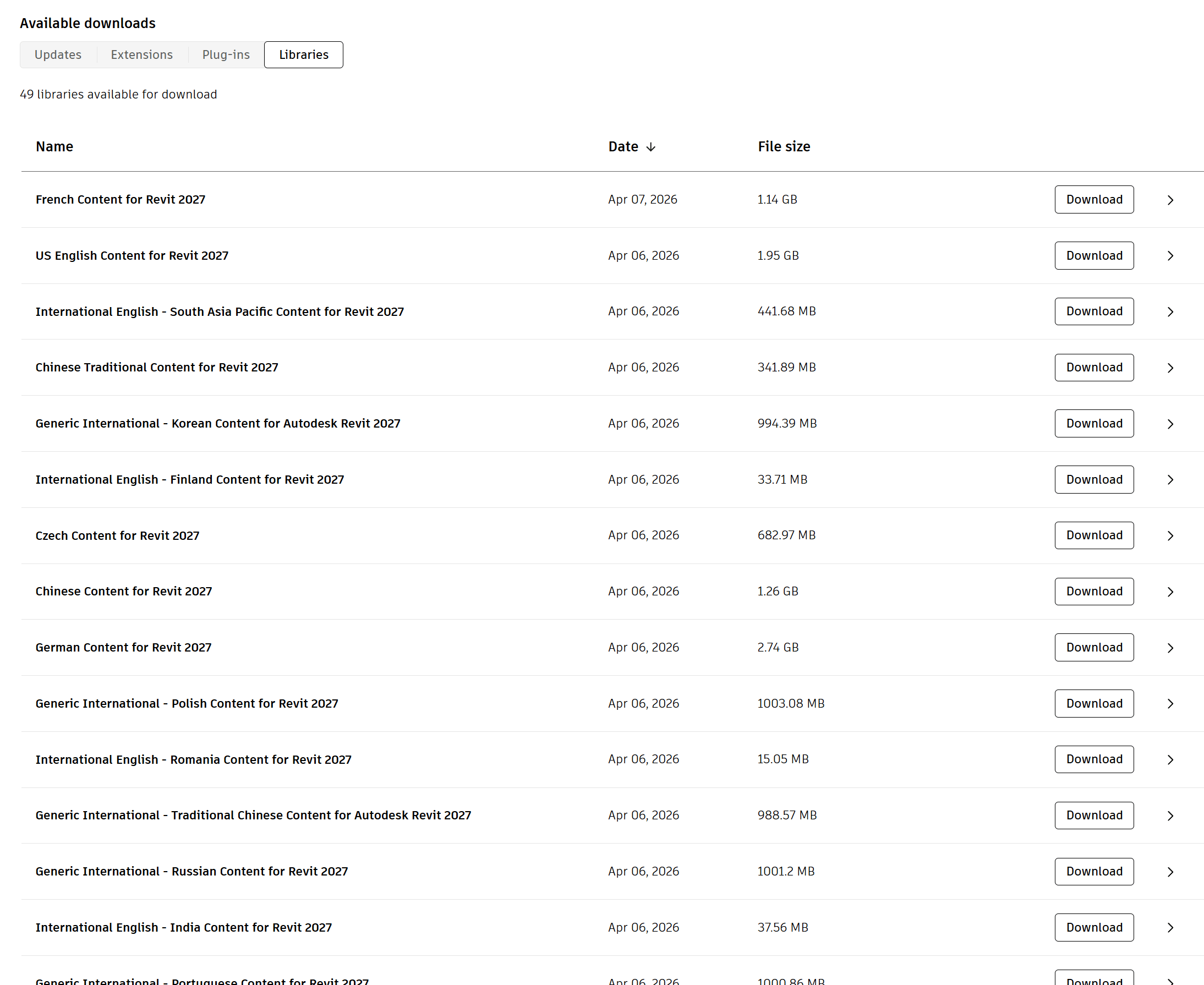
5. You will now see a long list of the Libraries that you can download. For Revit 2027 there are 49 libraries available for download at the moment.
6. When the download is complete, double-click the downloaded EXE file to start the content installation.
Note: Content is installed to the default location, C:\ProgramData\Autodesk\<RVT Release Year>\Libraries.
About the Author
Follow on Linkedin More Content by Ken Williams


