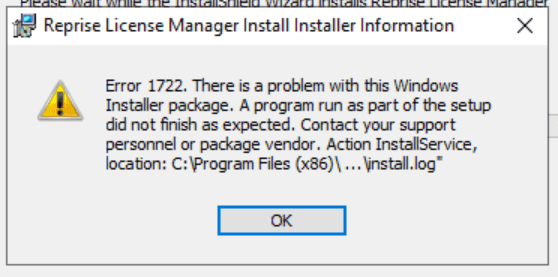
You are receiving a 1722 error when trying to run the Reprise License Manager

October 30, 2026 Derek Piccininni

Issue: You are receiving a 1722 error when trying to run the Reprise License Manager.
Solution:

You will need to cleanly uninstall the RLM and then re-install the RLM.

1. Clean Uninstall of the Reprise License Manager

  • Follow the instructions here to cleanly remove the Reprise License Manager from your system.
    • You may need your IT team to assist here if you do not have the required admin permissions.

2. Re-install the Reprise License Manager

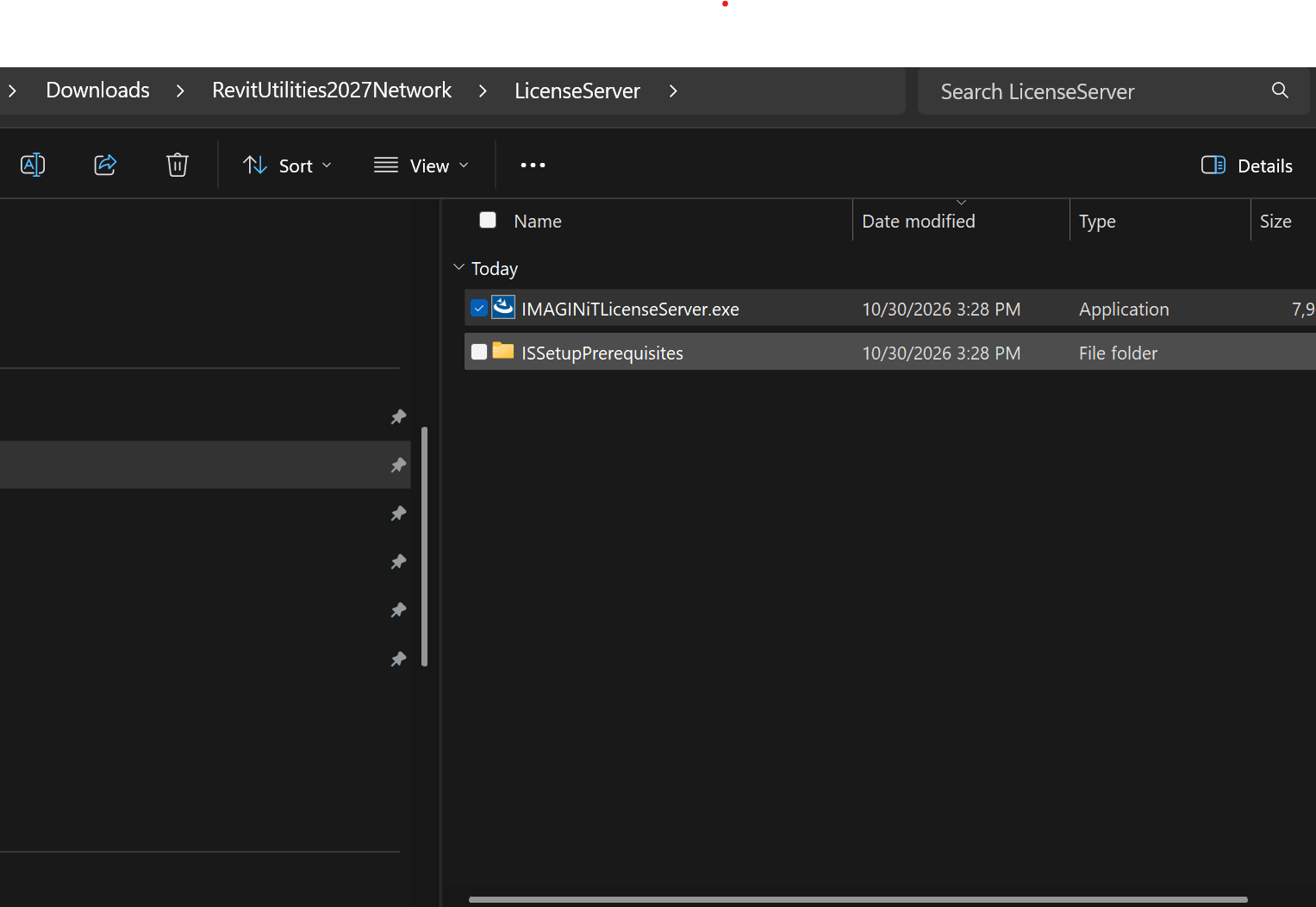
  • You can find the RLM installer within the download files for your IMAGINiT Network Utilities.
  • Run the IMAGINiTLicenseServer.exe to start the installation.
About the Author

Derek Piccininni

System Support Analyst

Follow on Linkedin More Content by Derek Piccininni
Previous Article
Inventor Shared Views- 'Unable to upload the shared view' error

Inventor users receive a 'Unable to upload the shared view. Please try again.'  error in the Shared View Pa...

Next Article
When launching Map 3D or Civil3D you are receiving error: "Exception in acmapagol.arx ARX Command"

Autodesk has released a hotfix for this issue

×

Get Tips Delivered.

Subscribe to Email Updates.

First Name
Last Name
Country
Thank you!
Error - something went wrong!