

Applies to:
Vault
Issue:
Need ability to edit properties during Copy Design.
Causes:
Vault does not allow edits to properties during Copy Design.
Solution:
Autodesk Vault Professional Client Version 2026.1 update allows edits to properties during Copy Design.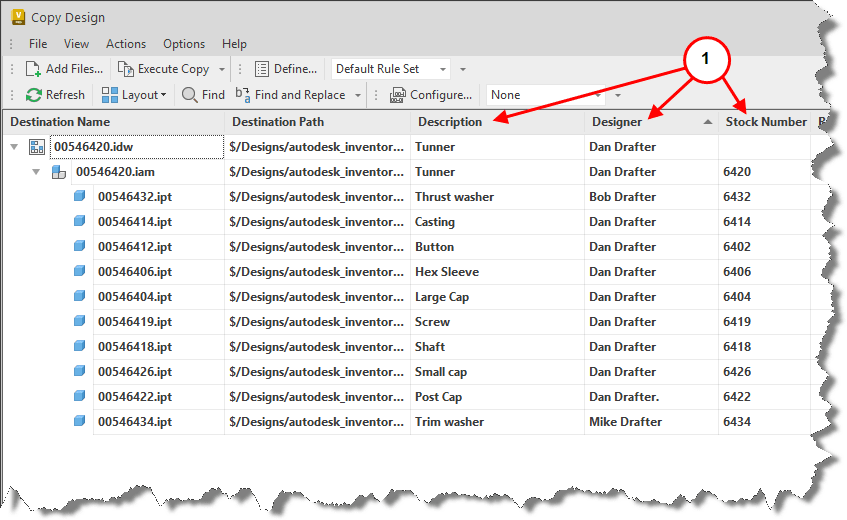
1. The new Copy Design feature allows users to edit user based, non-system properties. This gives users the ability to enter fields by typing or copy and pasting to modify multiple properties within each copied item.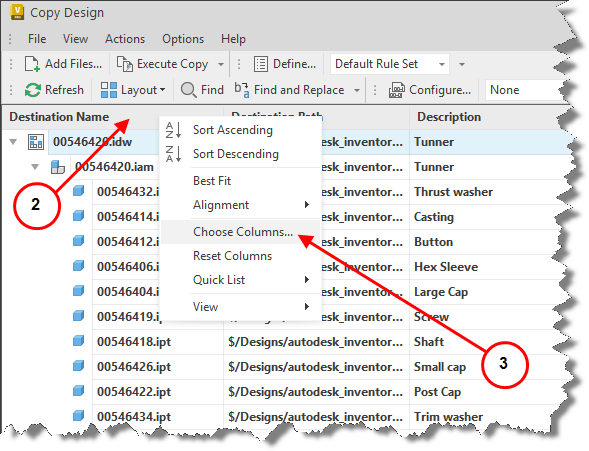
2. Columns can be added to the interface by right clicking on a column header
3. Selecting Choose Columns…
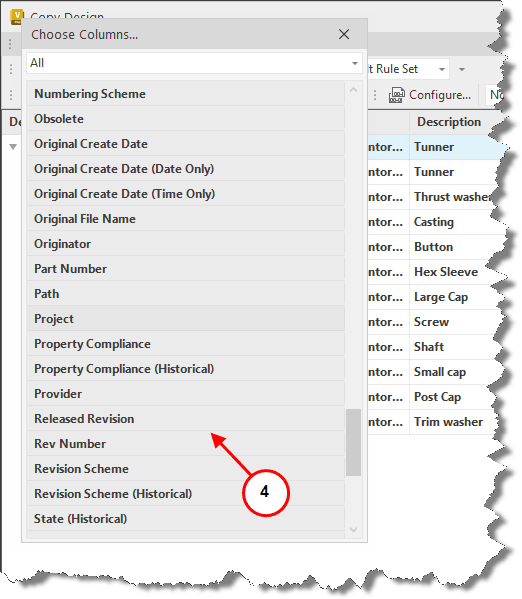
4. Select needed columns by double clicking or picking and hold pick button to drag column to desired location in interface.
Once columns have been added, the fields can be edited as required during the Copy design process.



