

Issue:
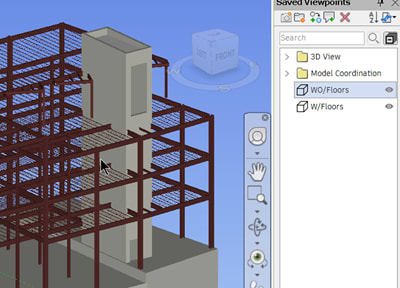
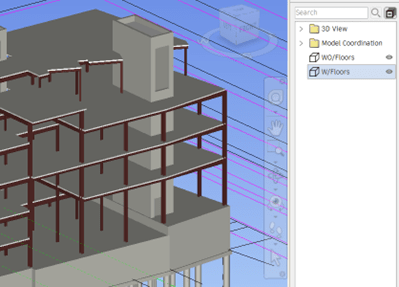
When exporting a Navisworks project to a DWF file, viewpoint overrides (like hidden/required model components) are not saved. If a user hides parts of the model and saves a viewpoint, that specific hide/require status will not transfer with the DWF. Instead, when opened in Navisworks Manage or Freedom, the DWF's initial view will reflect the state of the model that was active during DWF export.
Causes:
The DWF file format is designed primarily to capture the geometry and properties of the model at the time of export. It does not save the more dynamic or session-specific data that you create in Navisworks Manage, such as:
Viewpoint Overrides:
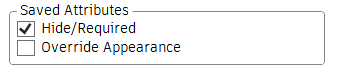
Hide/Required status (which elements were hidden or made required).
Appearance overrides (changes to color, transparency, or render style).
Solution:
Export you Navisworks projects as a NWD file and these viewpoint overrides will carry through to be open in to ensure viewpoint overrides are preserved, always export your Navisworks projects as an NWD file. This format guarantees that other users opening the project in Navisworks Manage or Freedom will see the overrides (like hidden elements and color changes).
About the Author
Follow on Linkedin More Content by Paul Sills


