Applies to:
Inventor
Issue:
Easy way to open components from assembly on drawing view.
Causes:
Multiple steps required to open a component of an assembly used in drawing.
Solution:
Views on a Drawing are usually a part or assembly view that has been added.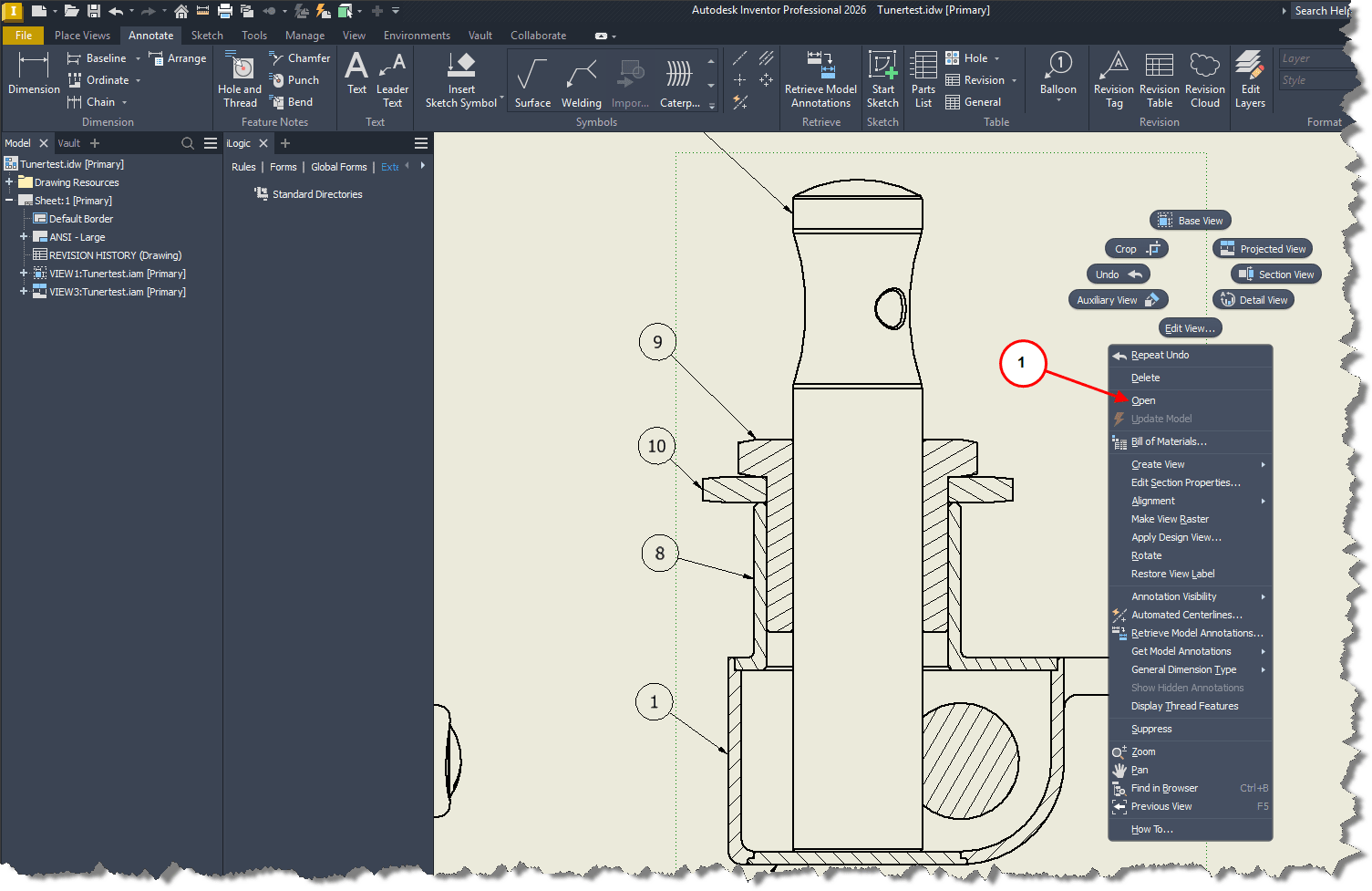
1. Right clicking on the drawing view and selecting open in this case.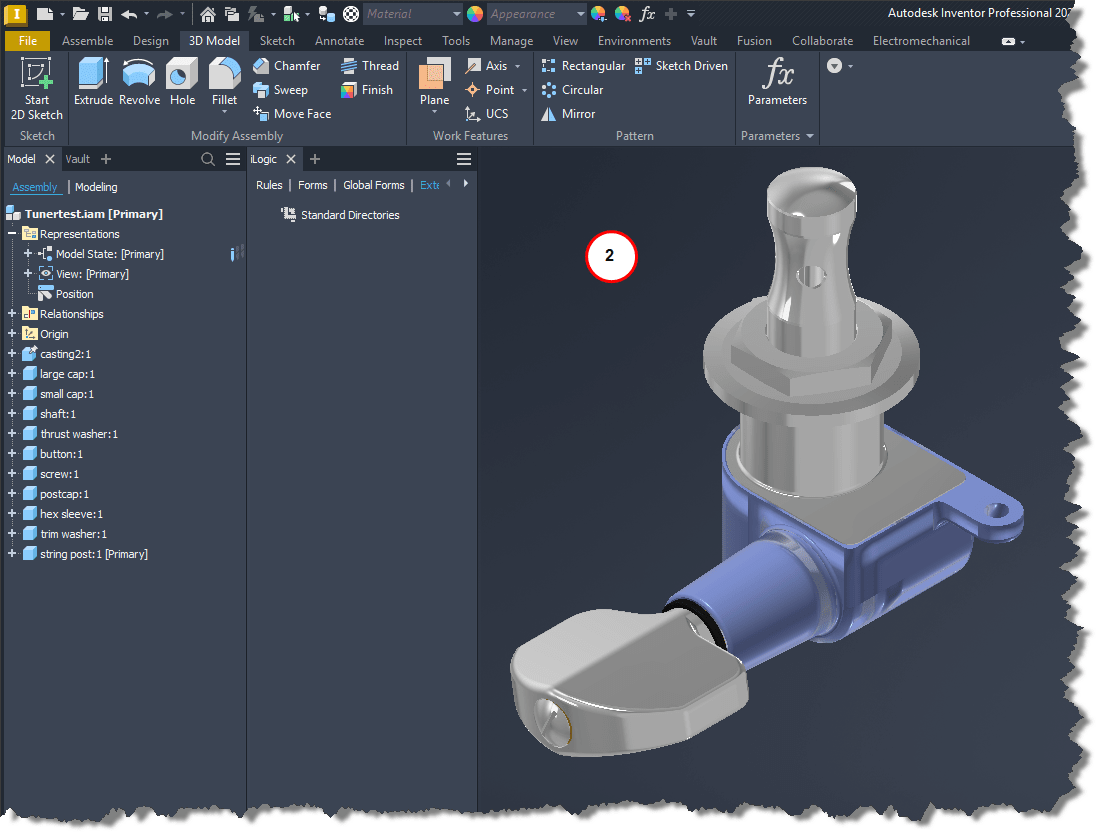
2. Opens the assembly the view was made from. Then requires user to right click on the component from the assembly and select open. 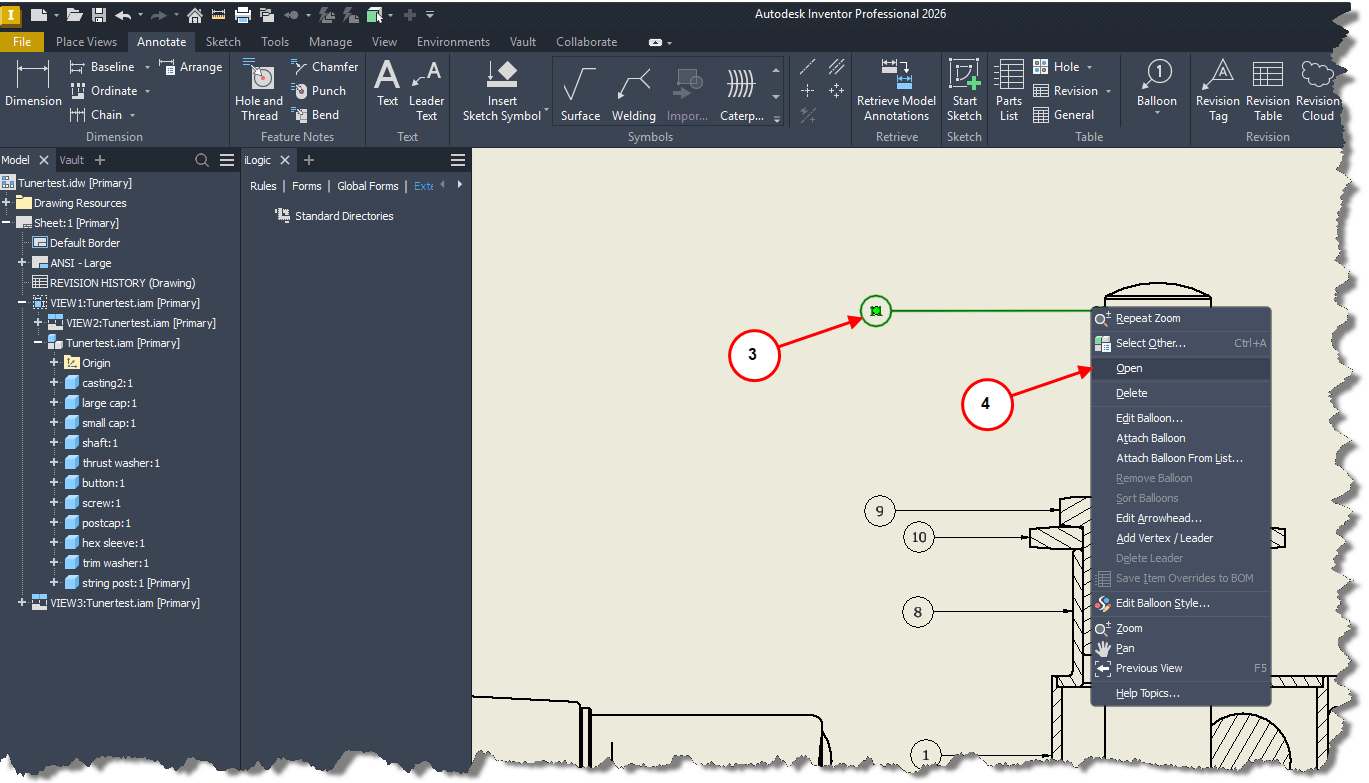
3. Instead, right click anywhere on a balloon in the drawing.
4. Select open.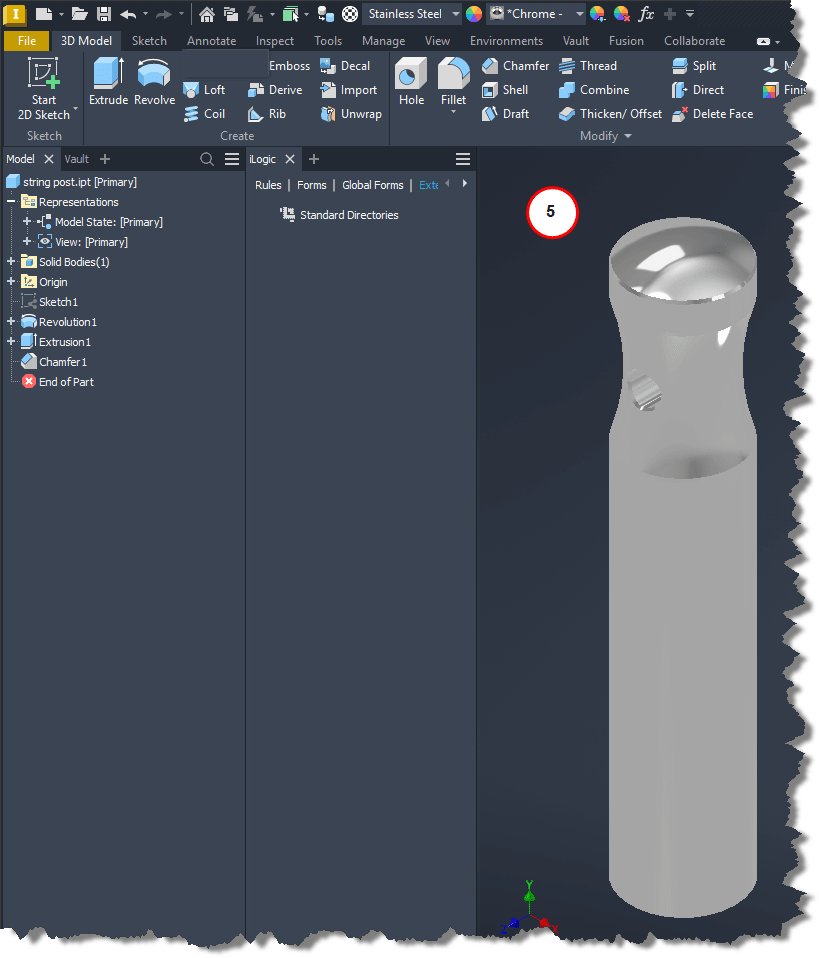
5. Which will open the part or assembly associated with that balloon.