

Applies to:
All 2025 AutoCAD-based Products
Issue:
When bringing in a custom dynamic block with Attributes, and that dynamic block is Annotative, via the tool palette, when changing the Annotation scale, the Attribute text reverts to original size in the block for any scale except the one it was inserted with.
Causes:
This occurs when Automatically Add Annotation scales is turned off:

If the dynamic block is brought in via CLASSICINSERT, Block Palette or via Design center, this issue does not occur, it occurs only when you bring it via a tool palette.
The behavior only exists in AutoCAD 2025.
Blocks with Annotation scale set to 1/2" = 1’-0”:
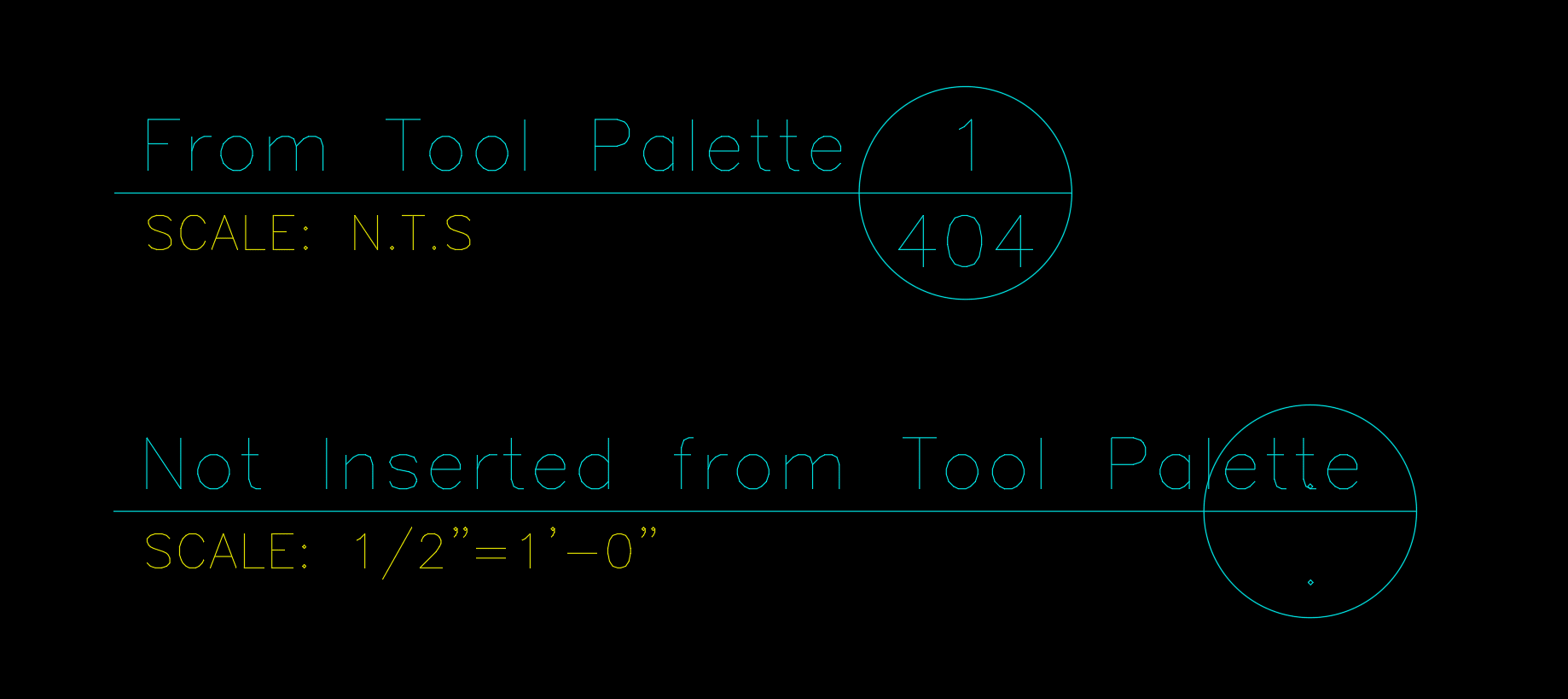
After changing Annotation scale:
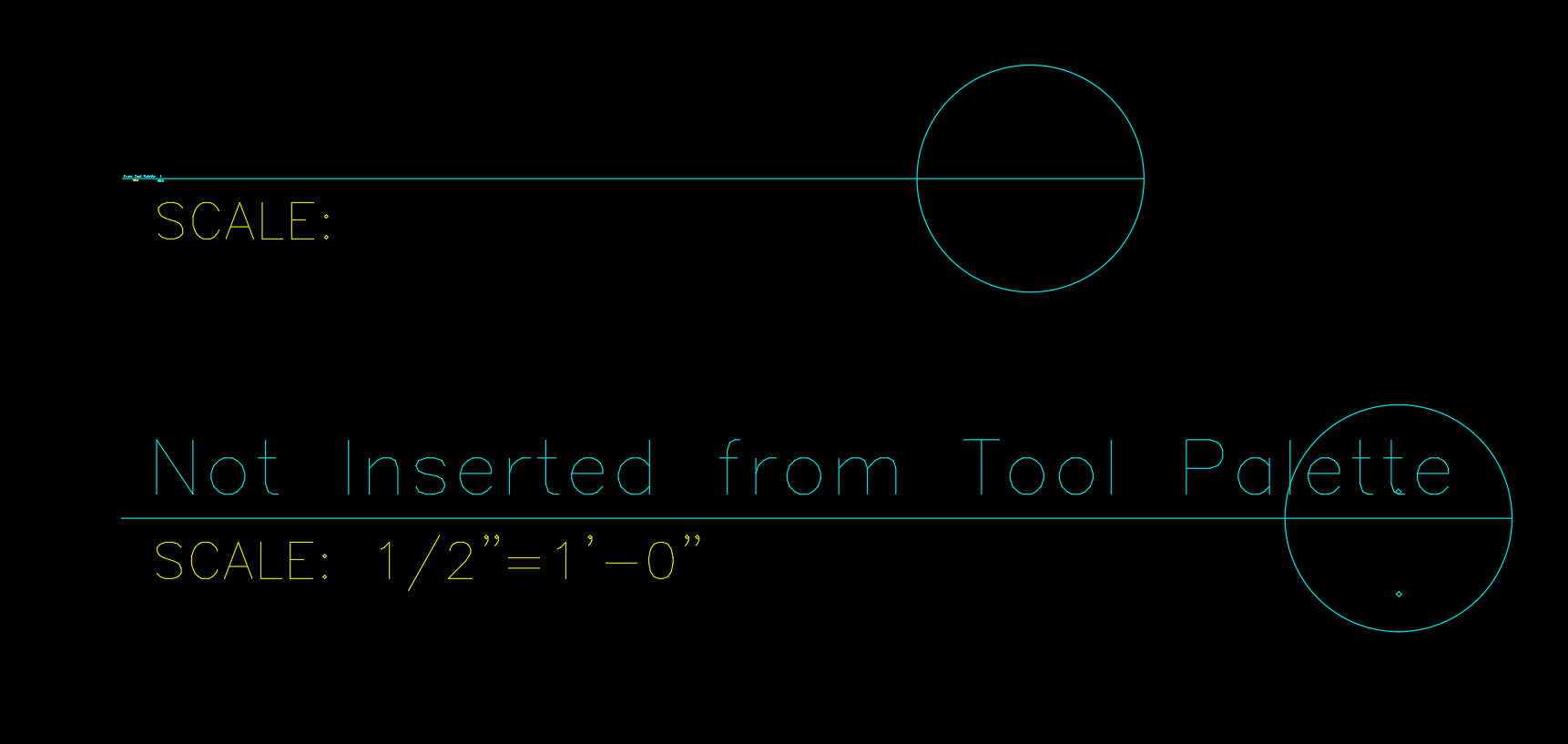
Note the text scaled on the block using the tool palette.
Solution:
This is currently a known defect with AutoCAD-based products in product year 2025 (does not occur in 2024 or 2026. The current defect number is CPR-763.
The only solution is to not insert those items using a tool palette and to use alternative insertion methods.
About the Author
Follow on Linkedin More Content by Ryan Wunderlich


