

Issue:
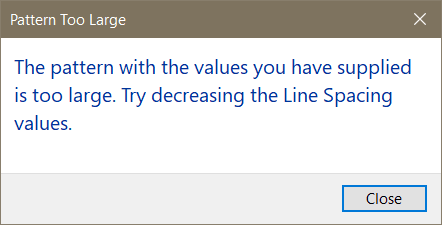
When editing the import scale of Drafting or Model patterns in Revit, the following error message is displayed,
“The pattern with the values you have supplied is too large. Try increasing the Line Spacing values.”
Causes:
Revit currently has existing restrictions that limit the maximum size and density of patterns.
As part of the restrictions, Revit may consider a pattern to be too large or too dense.
Note that a review of these restrictions is planned for a future release.
Solution:
To work around the restrictions, you must use an import scale within the allowed limits or modify the pattern definition.
You can modify the pattern definition by editing the code in Microsoft excel.
Some 3rd party add-ins for Revit can also be used to adjust the import scale by modifying the scale factor in the code of the pattern, thereby bypassing the scale limitations imposed by Revit.
See also - How to submit a product enhancement idea for Autodesk Revit or Revit add-ins


