Applies to:
Inventor
Issue:
After migration Inventor is slower than before, opening inventor, creating a new drawing, home page, among other examples takes longer.
Causes:
Custom settings were not migrated to the new instance of Inventor.
Solution:
Close all files in the Inventor instance.
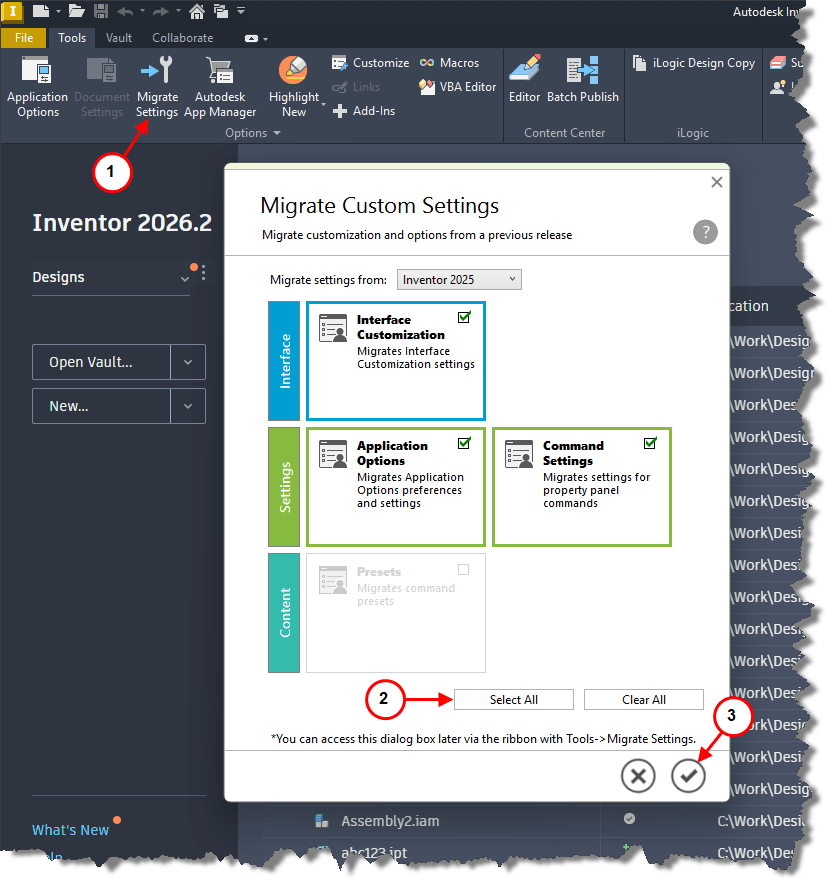
1. Select Migrate Settings on the Tool tab.
2. In the Migrate Setting menu select, Select All.
3. Select checkmark on the menu.
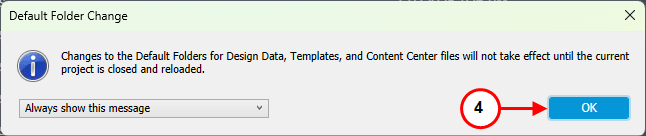
4. Select OK. 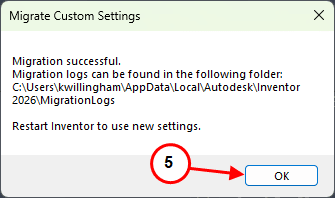
5. Select OK.
Close Inventor and reopen for changes to take effect.