

Issue:
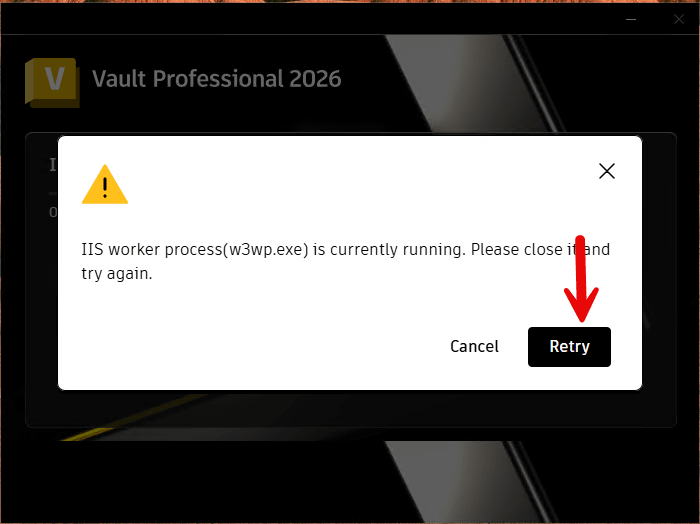
The latest Vault Server 2026.2 update produces a notification, similar to the image below, that a process is currently running and needs to be closed.
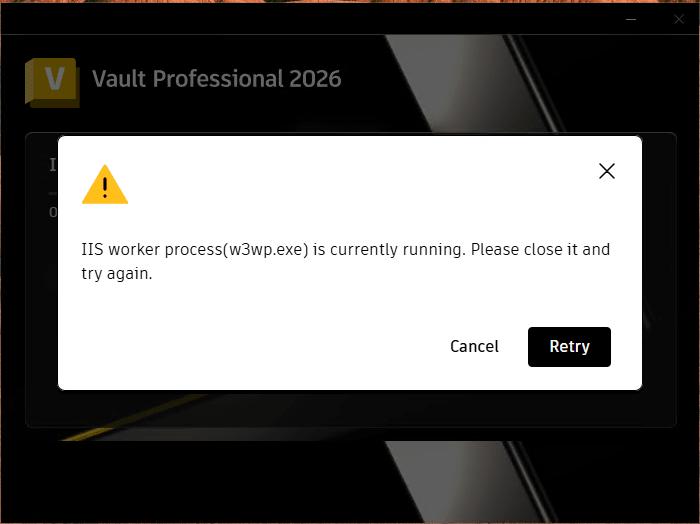
Previous Vault Server updates do not require stopping any processes for the updates to install.
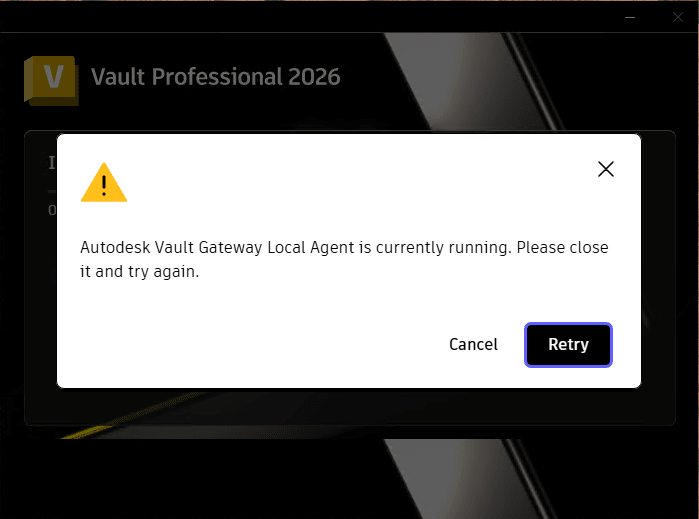
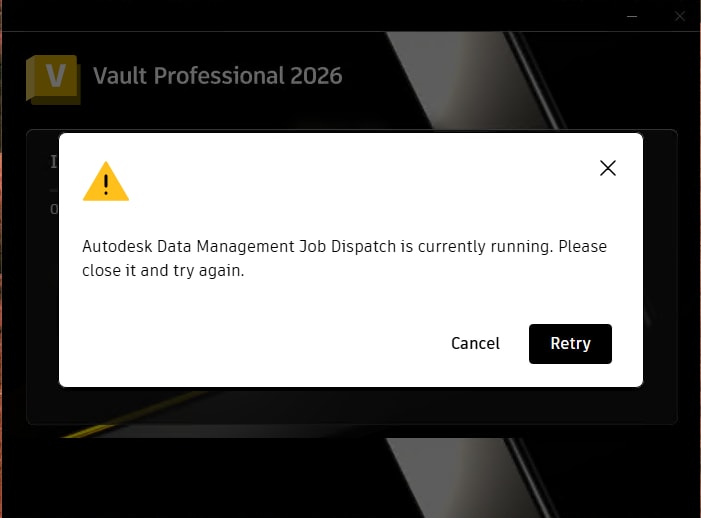
In addition to the IIS Worker Process (w3wp.exe) notification above, there are two additional notifications that may appear when installing the Vault Server 2026.2 update:
Autodesk Vault Gateway Local Agent is currently running.
Autodesk Data Management Job Dispatch is currently running.
Solution:
To complete the installation of the Vault Server 2026.2 update, there are three services that must be stopped: Autodesk Job Dispatch Service, World Wide Web Publishing Service (w3wp.exe, W3SVC), and Autodesk Vault Gateway Local Agent (VG.LocalAgent).
1. Close the Vault ADMS Console.
2. Open Task Manager and go to the Services tab.
3. Find the Autodesk Data Management Job Dispatch Service. Select Stop.
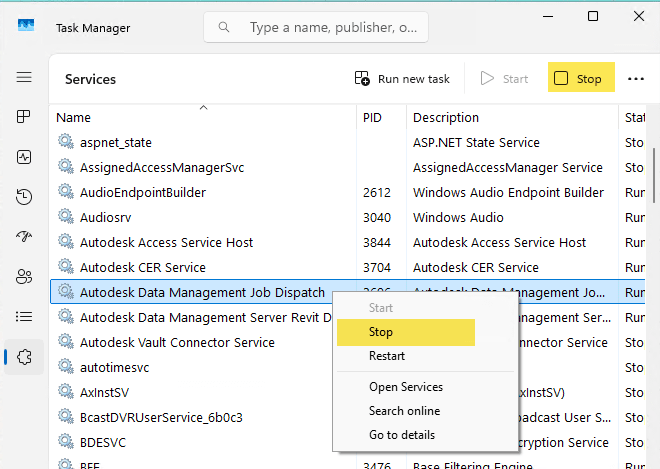
4. Find the World Wide Web Publishing Service (W3SVC). Select Stop.
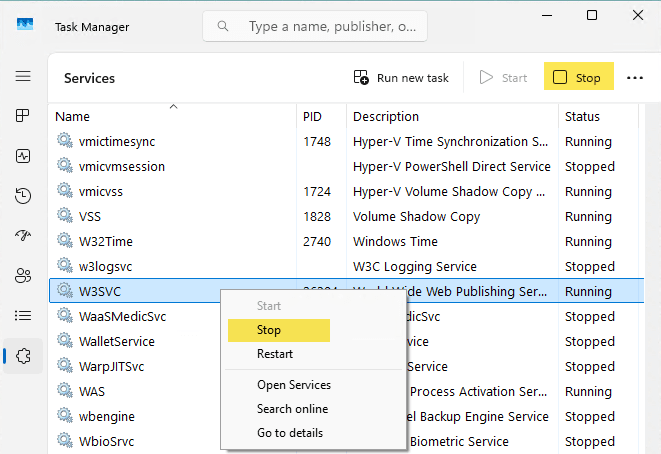
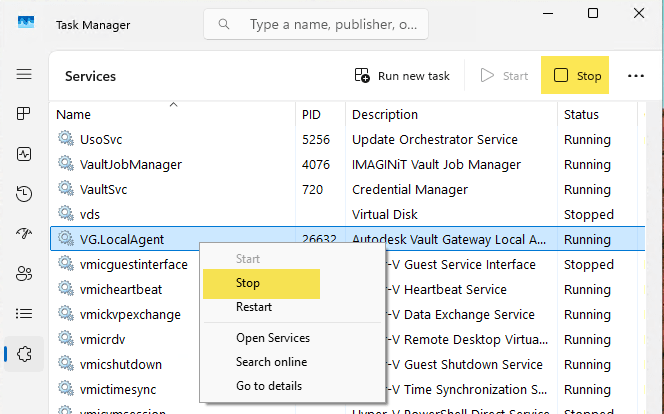
**The Vault Gateway Local Agent may not be found in Task Manager if Vault Gateway has not been configured through the ADMS Console. **
Once these services have been stopped, then proceed with installing the Vault 2026.2 update.
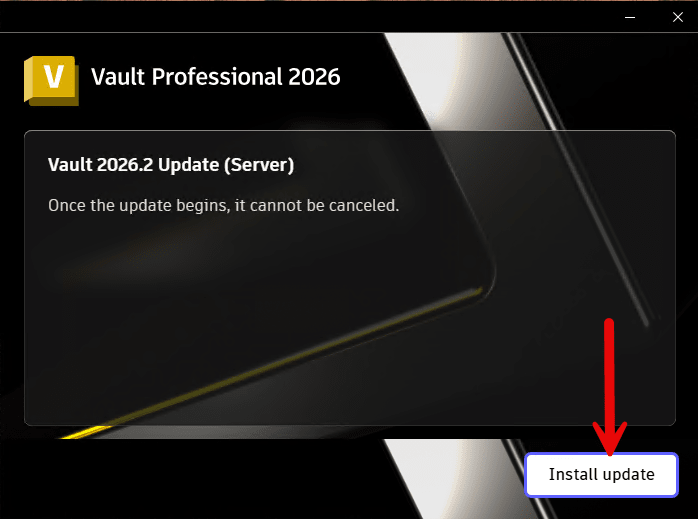
If the update has already been started and the notifications appear on screen, it is possible to stop the services without canceling the update. Once the services are stopped, select Retry and the update should proceed.
Once the update is completed, these services may need to be manually restarted. Alternatively, rebooting the Windows system should also restart the services.
After the update successfully installs, launch the ADMS Console and follow the standard Vault update procedure to migrate your Vault databases.
About the Author
Follow on Linkedin More Content by Shawn Heator


