

Issue:
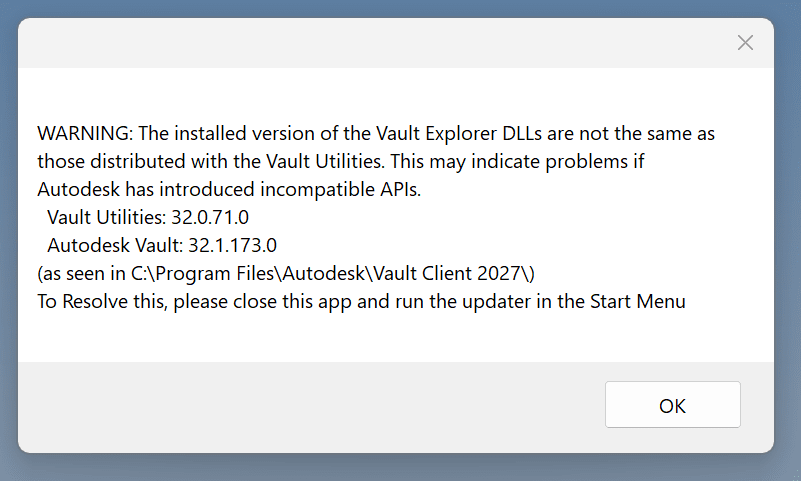
When using some of the tools from the 2027 version of the IMAGINiT Vault Server Utilities, you get the following message:
Causes:
As Autodesk updates their products to .NET 10, and to comply with the end of Microsoft support for .NET 8 and .NET 9 which will be occurring November 2026, those updates have been causing conflicts with 3rd party applications like the IMAGINiT Vault Utilities.
Solution:
To correct this issue for the 2027 Imaginit Vault Server Utilities, you can use the following link to download the necessary DLL files as of the publishing of this article.
https://www.dropbox.com/t/1FX8T6m0X0HCUvAd
Once you download the DLL files, copy them into the following location and overwrite the existing files with the files from the download:
“C:\Program Files (x86)\IMAGINiT Technologies\IMAGINiT Utilities for Vault Server”
If you have any problems after updating the DLL files you can restore the original files by uninstalling and reinstalling the Imaginit Vault Server Utilities.
About the Author
Follow on Linkedin More Content by Heath White


