

By: Akhilesh Trivedi
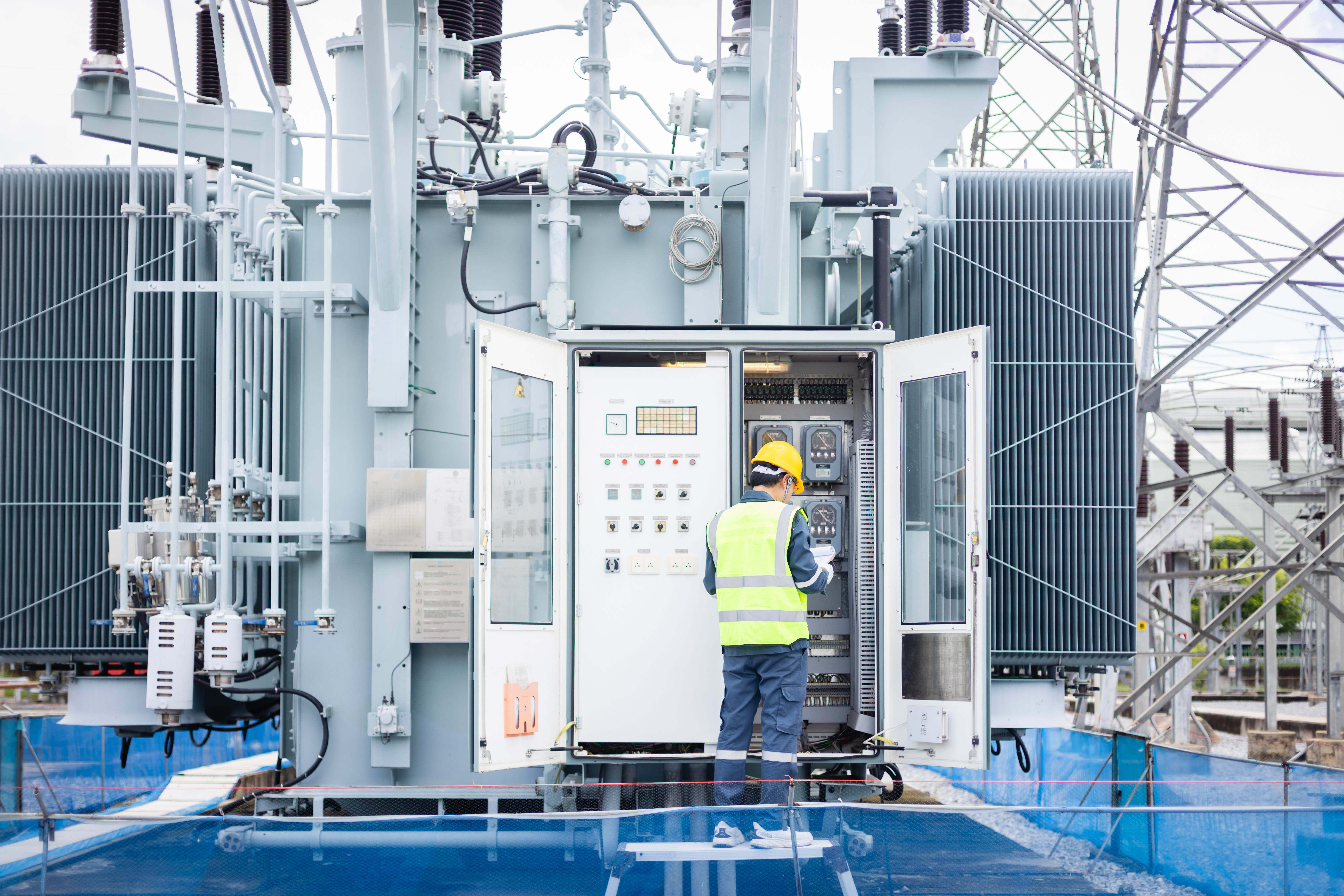
During the design process, sometimes it becomes tough for the designer to work with the entire drawing at once. With the new version of Substation Design Suite Physical for AutoCAD 9.0 there are new commands to help you create and manage views of your design. These new commands are AUDVIEWCREATE and AUDVIEPORTCREATE.

AUDVIEWCREATE defines named views during navigation in your 2D or 3D design. It creates a view of the model which makes it easy for later use to define a layout viewport. With AUDVIEWCREATE, you can define the views with a rectangle for Top and Site Section views, or with a location and direction for Site Elevation views. It is possible to specify parameters that will be used when a viewport is created from this view, such as a later state to restore and a setting for Shade Plot.
Note: When a Site Section view is defined, it is a requirement to fully enclose the objects in the rectangle.


Use AUDVIEWPORTCREATE to see a list of named views and create layout viewports from each named view. A default size and scale is chosen for you, but you can increase or decrease the size and scale of the viewport; it will always match an existing drawing annotation scale. If specified in the view, a layer state may be "restored" in the viewport to adjust layer properties for only that viewport, and the viewport Shade Plot setting can be set on the viewport.

Use AUDVIEWJUMPTOSHEET to quickly navigate to a layout and viewport from your 2D or 3D design. Select one of the view markers that was placed when using the AUDVIEWCREATE command, and the display with "jump" to the layout and viewport where that view was used by the AUDVIEWPORTCREATE command.
Use AUDVIEWPORTRESCALE to resize and rescale any existing viewport. You can increase or decrease the size and scale and ensure the viewport uses an existing drawing annotation scale. The proportions of the viewport, and the view of your design, are unchanged.
These new commands can be found on the 2D Sheets ribbon tab, in both the Utility Distribution and Utility Substation workspaces.
Need help applying these tools to your substation design workflows?
Connect with IMAGINiT’s utilities experts to optimize Substation Design Suite configurations, standards, and drawing production.


