

Issue:
Pipe networks display correctly in plan, but in profile view:
Pipes do not move when edited
Structures stay at old elevations
Labels do not update
Profile view appears “stuck”
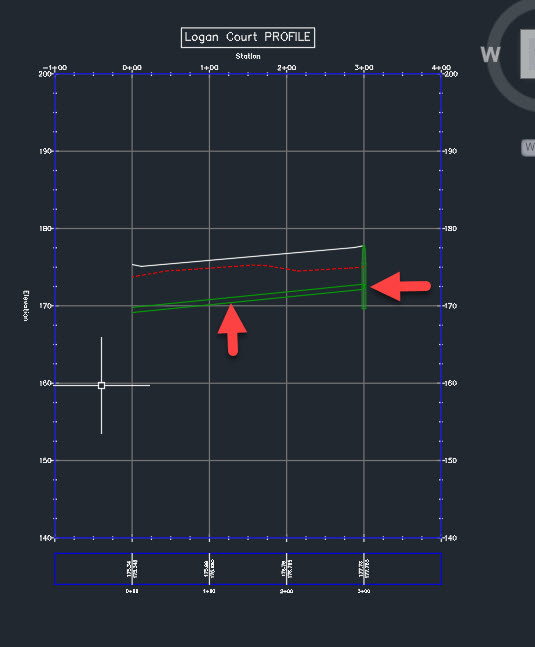
This typically happens after:
editing pipes directly instead of through layout tools
copying networks
working across multiple drawings with DREFs
Solution:
Force the network and profile view to re-sync properly.
Step 1 — Use Pipe Network Tools (Not Grips)
Edit using:
Pipe Network Layout Tools
Avoid excessive grip edits on pipes in profile
Step 2 — Rebuild the Profile View
Select profile view
Right-click:
Update Profile View
Step 3 — Check for Broken References
If using DREFs:
synchronize data shortcuts
ensure source drawing is updated
Key Takeaway
Profile issues are usually caused by editing pipes outside the intended workflow or broken references—not the profile view itself.
Best Practice
Always edit networks through layout tools
Keep networks in a single source drawing when possible
Minimize copying pipe networks between files


