3D Solids mesh lines displayed when plotting using Legacy Hidden Visual Style

Issue

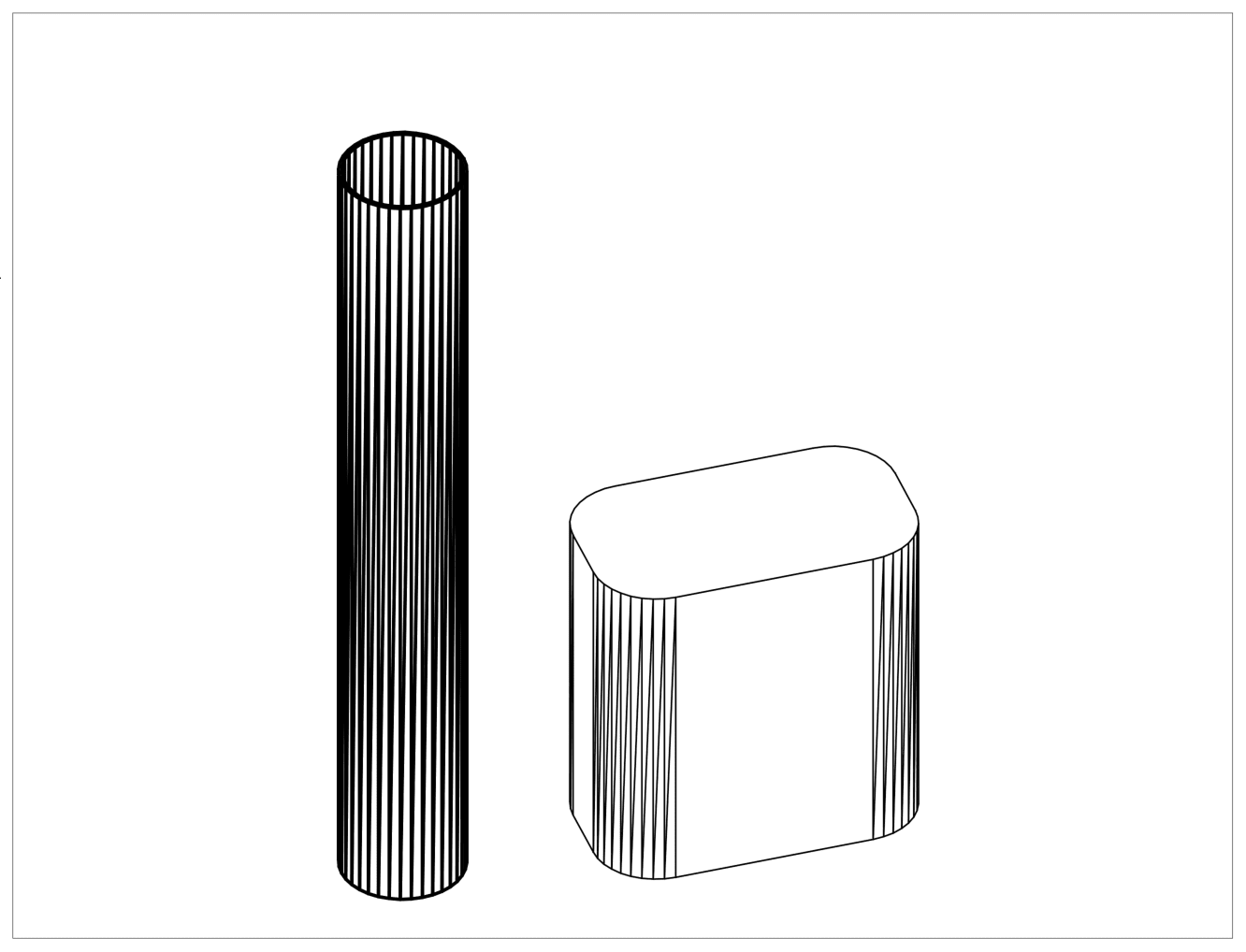
When plotting views containing 3D solids from AutoCAD using the Legacy Hidden Visual Style, mesh lines are displayed, especially on curved surfaces.

  
Causes

A system variable (DISPSILH) controlling the display of silhouette edges such as the apparent edges on a cylinder is turned off.


Solution

On the command line, type DISPSILH and set the value to 1


Previous Article
How to add a new scale to the scale bar in AutoCAD

The scale bar from AutoCAD tool palettes is a dynamic block that uses Visibility parameters to define a lis...

Next Article
Using the STRIPSEQ attribute in ACADE

By default, STRIPSEQ is blank and is not used for sorting terminals. It instead sets the order of accessori...

Online AutoCAD
User Group
Feb 20

Register Now