

Issue:
Revit generates an error when opening the project file and displays the version as unknown.

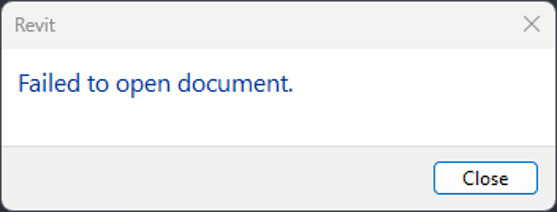
The following line appears in the journal file:
Load exception "COleException", code=0x80004005: Unspecified error

Causes:
The file is not actually a Revit file. The user renamed the file extension from .zip to .rvt.
Solution:
The file may be recoverable by restoring the correct file extension.
1. Rename the file extension from .rvt to .zip.

2. Extract the ZIP file to verify the contents inside.
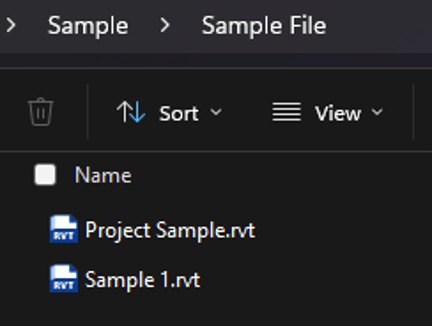
3. Open the Revit file as detached.
If the Revit file is corrupted, request a new copy of the file from the file provider.
About the Author
Follow on Linkedin More Content by Gregory Lee


