3 Key Findings for Manufacturers from the 2027 Autodesk State of Design & Make Report
Explore three key findings from the 2027 Autodesk State of Design & Make report, shaping manufacturing’s future in digital transformation, AI, and connected workflows.
Read
The Data Bottleneck: How Connected Systems and Simulation Accelerate Manufacturing Insights
Accurate data is essential for effective manufacturing simulation. Discover how connected manufacturing systems, AI-assisted data preparation, and Autodesk FlexSim change the game.
Read
Autodesk Account User Role Policy and Subscription Usage Policy
Updates to Autodesk Account policies
Read
The 70% Transformation Failure Myth: What Utility Leaders Should Measure Instead
Is the 70% transformation failure rate a myth? Explore what the research actually shows and why it matters for utility technology rollouts.
Read
 37:12
37:12
Bluebeam Spotlight: Create Custom Tool Sets with Bluebeam Max and Claude
See how Bluebeam Revu Max, Claude, and Microsoft Excel can work together to help create more consistent, reusable markup tools and Tool Sets.
In this Bluebeam Spotlight session, Rick demonstrates how
Watch
How to Create a Classic View in AutoCAD
Read
Vault Backups Fail Due to Replication Errors
Resolving Autodesk Vault Backup failure due to replication issues.
Read
Autodesk Access – Vault Server Updates
If you have Autodesk Access installed on your Vault Server, you may have noticed that the update for Vault Server can show up in the Access Utility. What to be aware of.
Read
What is an AutoCAD ARG File
Explains what an ARG files is for AutoCAD-based software
Read
Connecting Early Building Design to Revit with Autodesk Forma
Explore how Autodesk Forma helps teams connect early building design, site context and analysis with Revit for a more continuous design workflow.
Read
Standardizing Civil 3D Projects with Autodesk Forma
Learn how Autodesk Forma helps Civil 3D teams standardize project setup with templates, permissions, support files and project-aware configurations.
Read
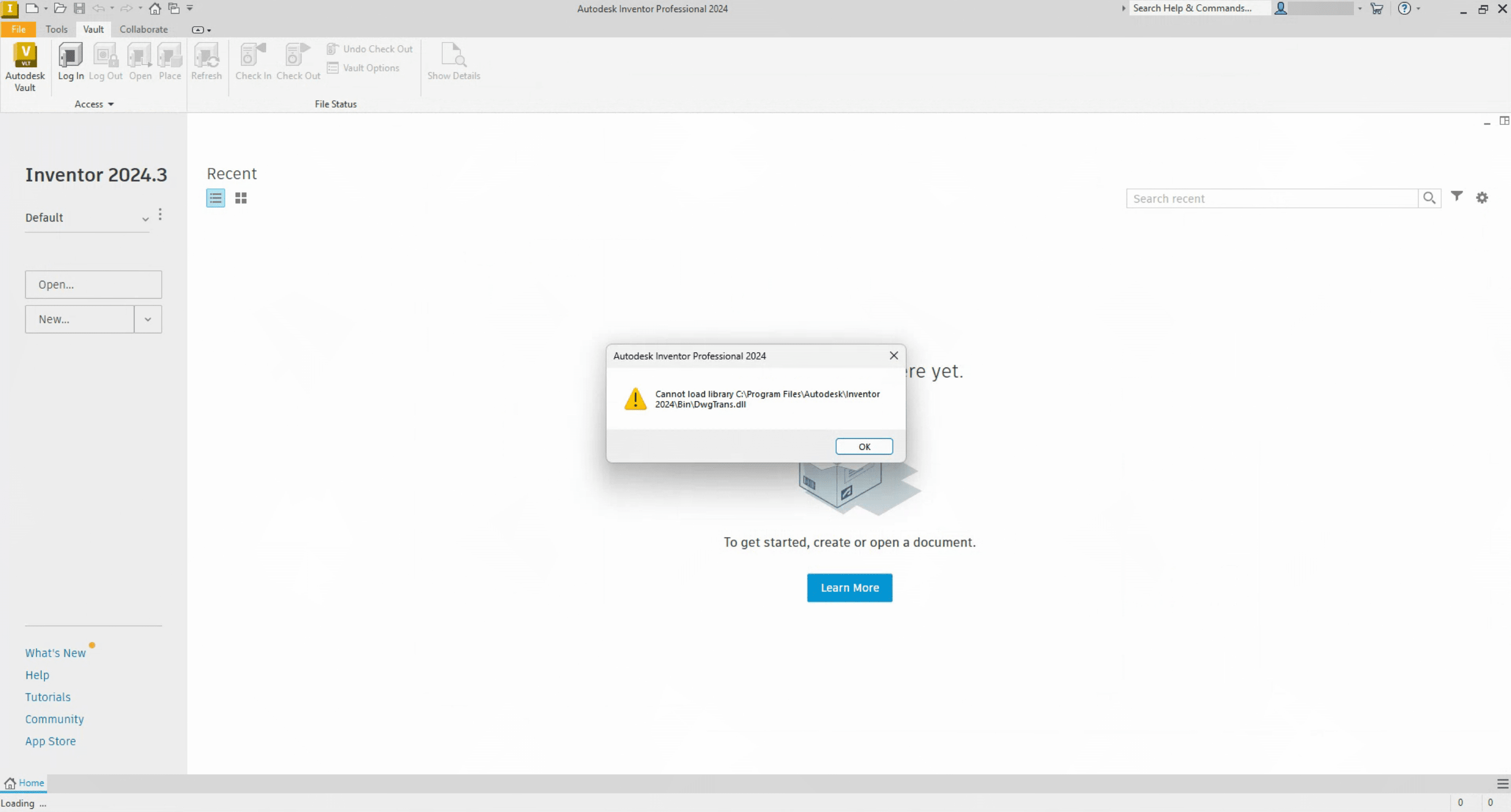
Inventor Error: Failed to Initialize a Component
When starting Inventor users receive a "Failed to initialize a component for accessing AutoCAD files. Please try again. Error 16" message. This is related to the Interoperability Engine Manager.
Read
How to Update DREF When Names Change
You have a source file where names have been changed, such as Road Names (alignments), Surface Names, Pipe network names, etc. and you need to update the names in the drawing that consume those items.
Read
.NET 10 and Product Version Updates
2025 and 2026 Products start having crashing issues or failure to open after running recent updates on 2025 or 2026 products
Read
Five Ways to Make Utility Technology Adoption Stick
Explore five practical principles for improving user adoption and helping new technology and workflows take hold across utility organizations.
Read
Vault Permissions Error in Plant 3D
How to resolve “Vault Project Error: You do not have permission to perform the operation. (ContentCategoryAdd)” error in Plant 3D Spec Editor.
Read
AutoCAD and AutoCAD Verticals 2025 Exception and Fatal Error
AutoCAD and AutoCAD based products crash after installing Vault update.
Read
The Right Model at the Right Time: Why Model Management Matters
Improve model management with connected workflows that give teams better access to current information, streamline coordination and reduce project risk.
Read
Building Smarter Digital Factory Assets
Learn how to add intelligence to your Factory Design Utility Assets!
Read


More Content by Joanna Gryszka


