

Applies to:
All AutoCAD-based 2025 Products
Issue:
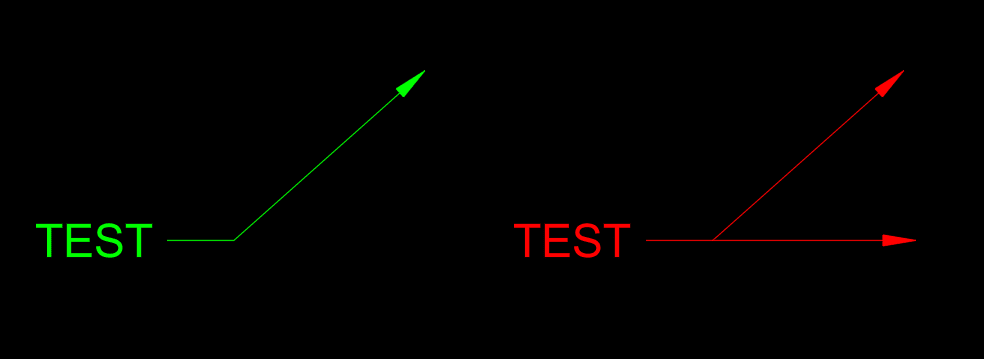
When adding an additional leg to a Multileader, the layer changes to the current layer instead of keeping the original layer of the multileader.

Causes:
This is a defect specific to AutoCAD 2025 products and is not present in any other version.
Solution:
The only solution at this time is to make sure the layer that the multileader is on is set current before adding additional leader legs or you can change the multileader back to the correct layer after adding additional leader legs.
About the Author
Follow on Linkedin More Content by Ryan Wunderlich


