Government: Using Autodesk Build to Track Infrastructure Assets After Construction
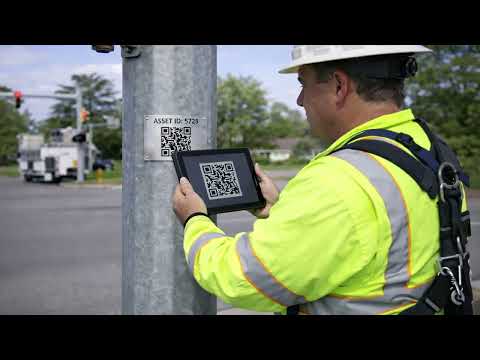
Public Works and Engineering teams - watch this video to learn how state and local agencies use Autodesk Build to: • Maintain complete, long-term infrastructure asset records • Attach inspection forms, photos, equipment manuals, and warranties to each asset • Use barcodes to access asset history in the field • Assign and track maintenance tasks • Support audit readiness and compliance requirements Contact IMAGINiT to learn how agencies are using Autodesk Build for infrastructure asset management and post-construction oversight. Learn about IMAGINiT’s government solutions: https://www.imaginit.com/industry-solutions/government #AutodeskBuild #ConstructionManagement #RoadConstruction