

Issue:
When you log into your Autodesk account and are looking for the download link for Autodesk Fusion but don’t see a way to download the installer.
Causes:
You can be entitled to Fusion either as part of the Product Design and Manufacturing Collection or you can have an individual Fusion license with the various Fusion modules. Each option has a different access method.
Solution:
If you have a dedicated Fusion license assigned to your account you should be able to download it as indicated in the following article:
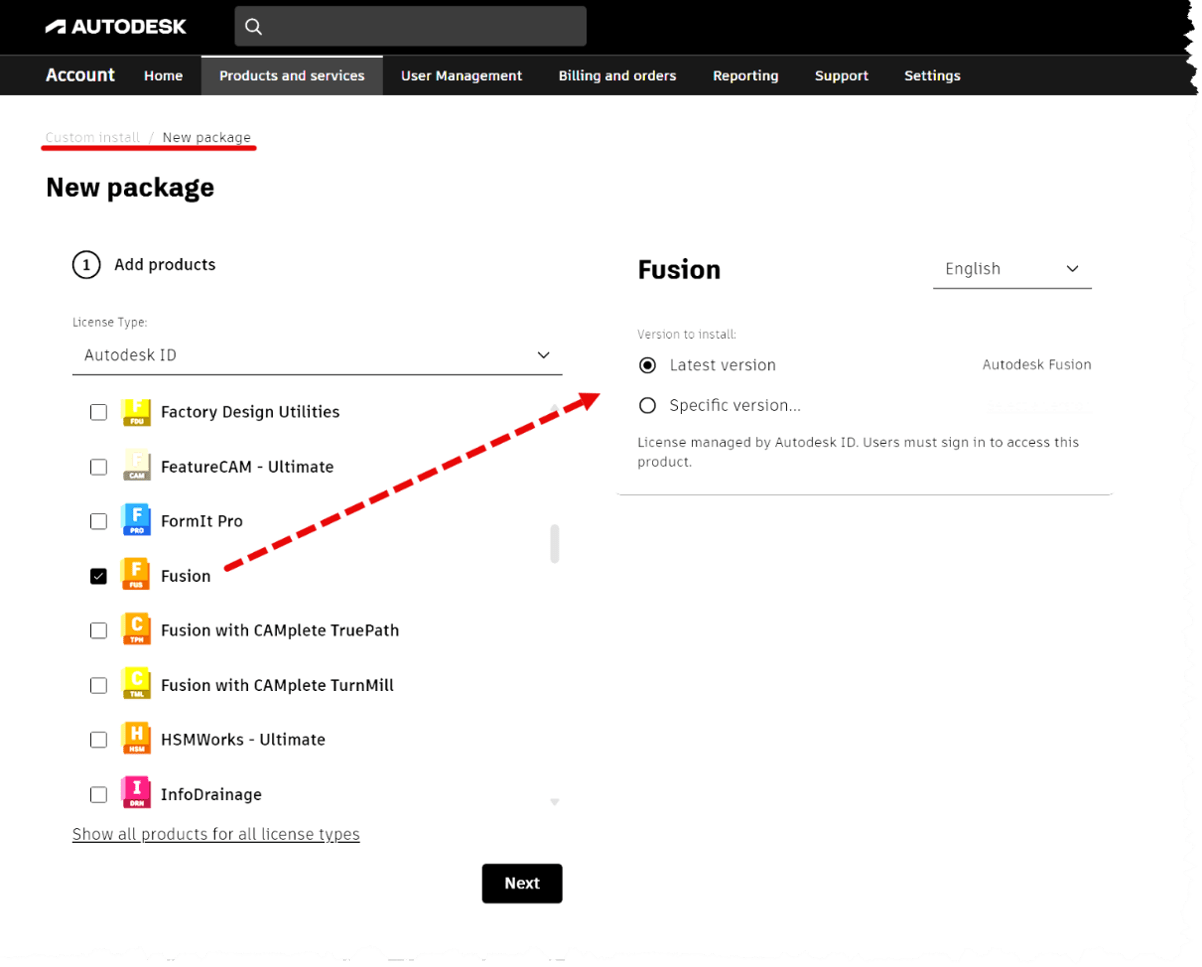
If your Fusion entitlement is part of the Design And Manufacturing Collection, you should be able to get the download from your Autodesk account by going to the Custom Install as shown below
About the Author
Follow on Linkedin More Content by Heath White


