

Issue:
Labels in Civil 3D:
shift position unexpectedly
disappear after regen or reopen
lose leaders or flip direction
behave differently between drawings
Common scenarios:
DREF surfaces or pipe networks
labels dragged from original position
multiple style overrides applied
Solution:
Stabilize label behavior by removing overrides and restoring anchor logic.
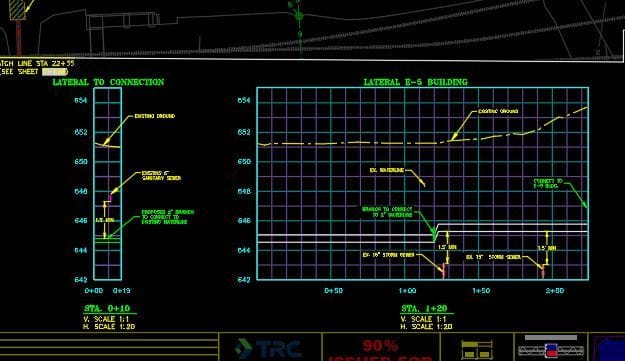
Step 1 — Reset Label Position
Select label
Right-click:
Reset Label
This returns it to its anchored location.
Step 2 — Remove Overrides
Select label
Check Properties:
remove any overridden style components
Step 3 — Verify Label Style Settings
Check:
drag state behavior
leader attachment
plan readability settings
Key Takeaway
Most label issues are caused by overrides and drag states—not corruption.
Best Practice
Avoid excessive manual label dragging
Use consistent label styles across drawings
Reset labels before troubleshooting deeper issues


