

Applies to:
Civil 3D 2023, 2024, 2025, 2026
Issue:
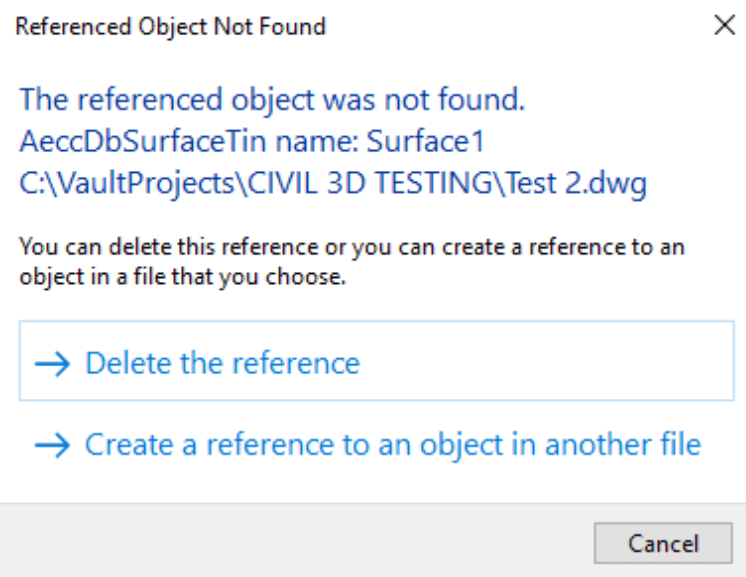
Civil 3D labels that previously displayed correctly now show the message:
"Label Contains Broken Reference"
The affected labels may appear blank, display question marks, or lose their reference information.
Causes:
-
Referenced object was deleted
-
Data Shortcut reference is broken
-
Surface, alignment, or profile was renamed
-
Object was copied between drawings
-
Reference synchronization failed
Solution:
1 – Open Toolspace > Prospector.
2 – Verify the referenced object still exists.
3 – Synchronize any Data Shortcuts referenced by the drawing.
4 – Use AUDIT and fix any reported errors.
5 – Select the affected labels and review the Label Properties to identify the missing reference.
6 – If necessary, delete and recreate the labels using the current object.
7 – Save, close, and reopen the drawing to verify the labels update correctly.


