5 Questions to Ask About Visitor Management
Evaluate your visitor processes with these 5 key questions. Learn how Eptura's visitor management improves security, efficiency, and guest experience.
Read
Bridging the Gap Between Facilities, IT, and Clinical Operations in Healthcare
Discover how healthcare organizations can improve collaboration between Facilities, IT, and Clinical Operations to drive efficiency, safety, and better patient outcomes. Read the IMAGINiT whitepaper.
View PDF
In Today’s Return To Office Era, a Unified Workplace Management Platform is More Important Than Ever
Hybrid work is changing how facilities are managed. Discover how Eptura’s unified workplace platform helps teams optimize space, improve employee experience, and reduce costs.
Read
BIM Handover Is the Beginning, Not the End
See why BIM handover is more than project closeout and how owner-focused deliverables support long-term building operations and facility success.
Read
Why the Data Behind Your Revit Model Matters More Than the Model Itself
Learn why BIM metadata matters as much as the model itself and how the right information supports facility management and long-term building operations.
Read
Revit Deliverables: Meeting the Contract vs. Meeting the Owner's Needs
Learn how to create Revit deliverables that go beyond contract requirements and better support owners, facility teams, and long-term building operations.
Read
Aligning BIM Deliverables with Owner Expectations Starts with Better Conversations
Learn how better communication and clearer expectations can improve BIM handover and help design teams deliver more valuable project outcomes.
Read
Why Facilities Teams Are Rethinking the Front Desk
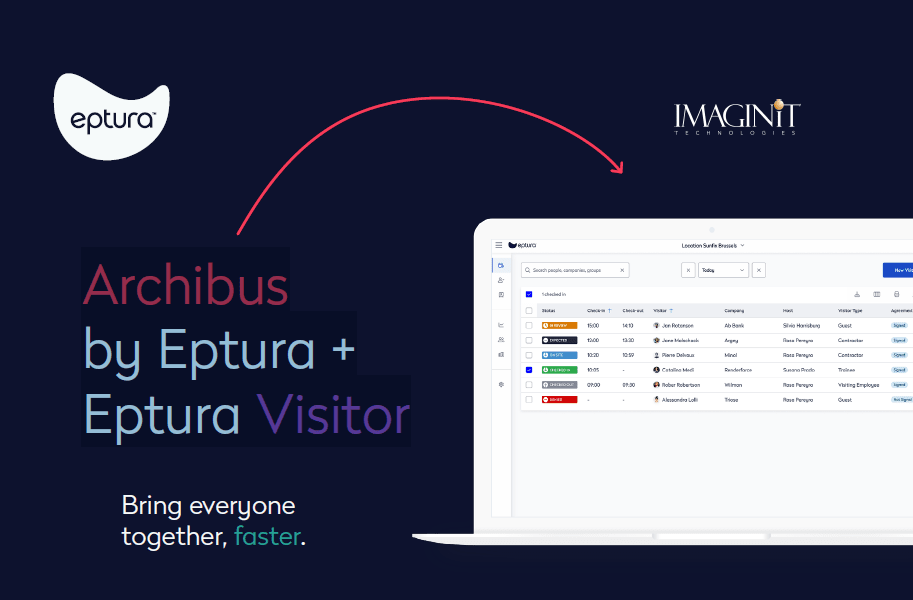
Learn how Eptura Visitor helps facilities teams streamline visitor check-ins, improve workplace security, and create better experiences for guests.
Read
Setting Up Preventive Maintenance (PM) Schedules in Archibus
Are you currently setting up PM (Preventive Maintenance) schedules in Archibus? Here's a clear breakdown of how to configure your schedules effectively.
Read
Setting up Model Checker for Data Visualization
How to use model checker to build data visualization dashboard with Revit and PowerBI
Read
How to use the Microsoft Fix it Tool for Autodesk software
You are unable to uninstall or reinstall some Autodesk software. This article will show you how to use the Microsoft Fix it tool to remove any/all Autodesk software installed on your machine.
Read
How to use the Direct download offline installer for Autodesk products
Use an alternative method to download your assigned Autodesk products.
Read