Issue:
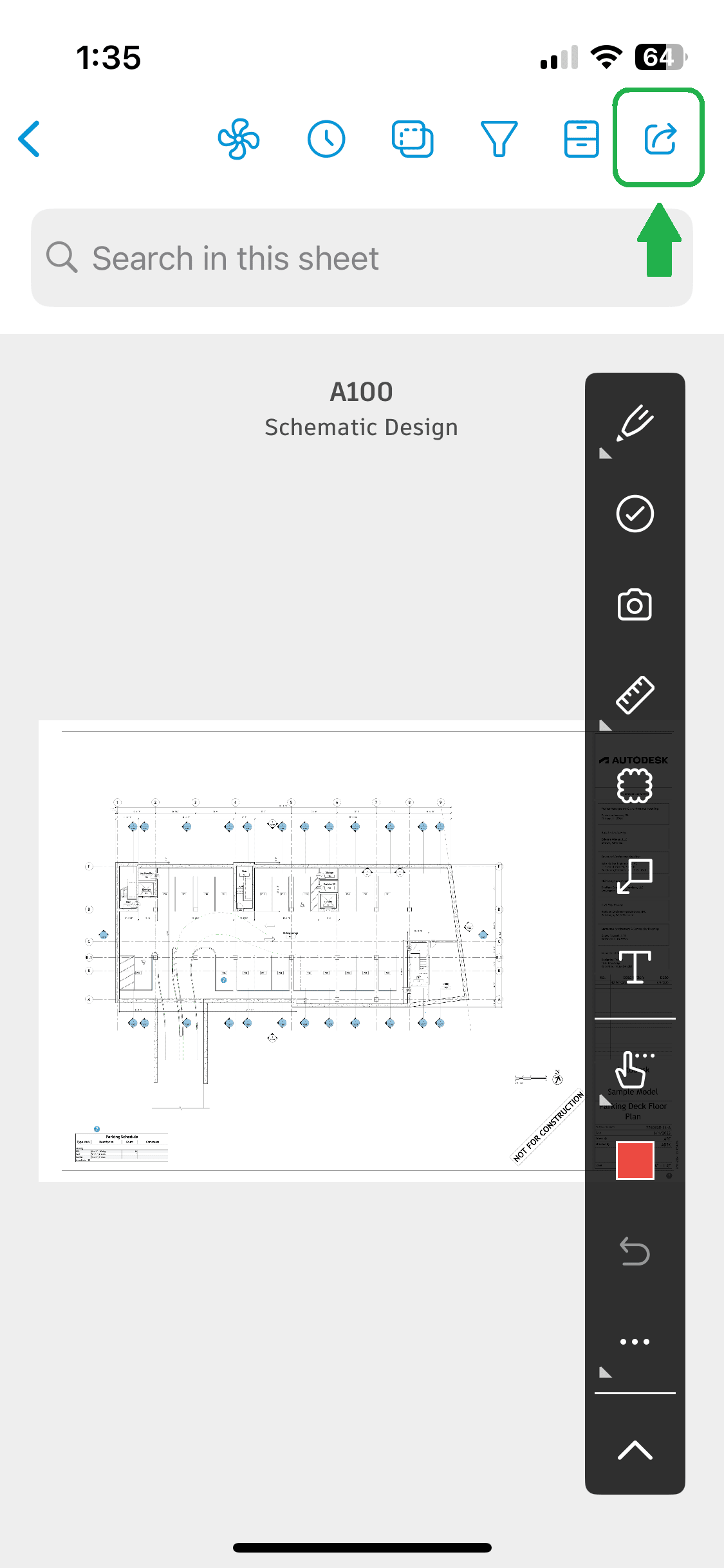
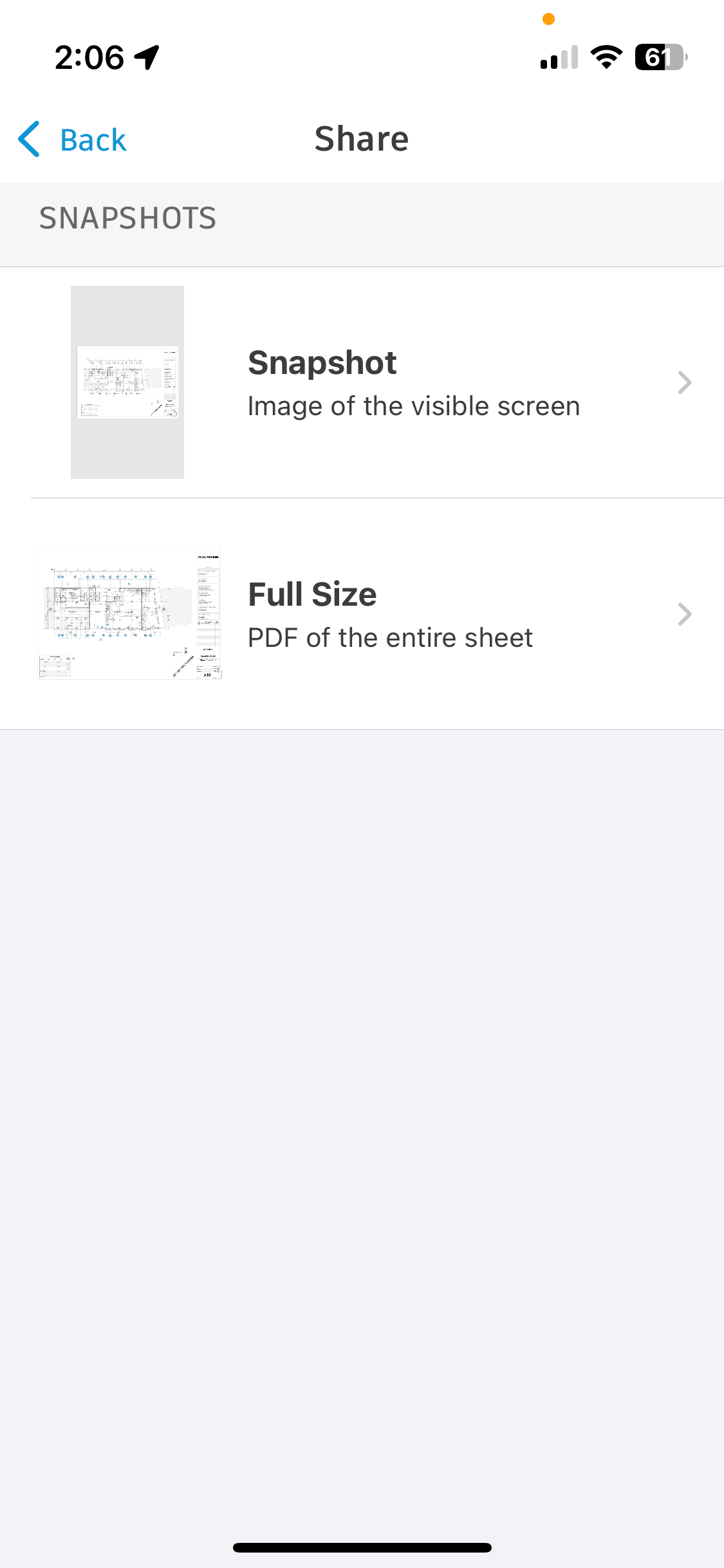
When attempting to share a sheet from a Forma Build project using the Forma mobile app, users are presented with two options:
-
- Snapshot
- Full Size
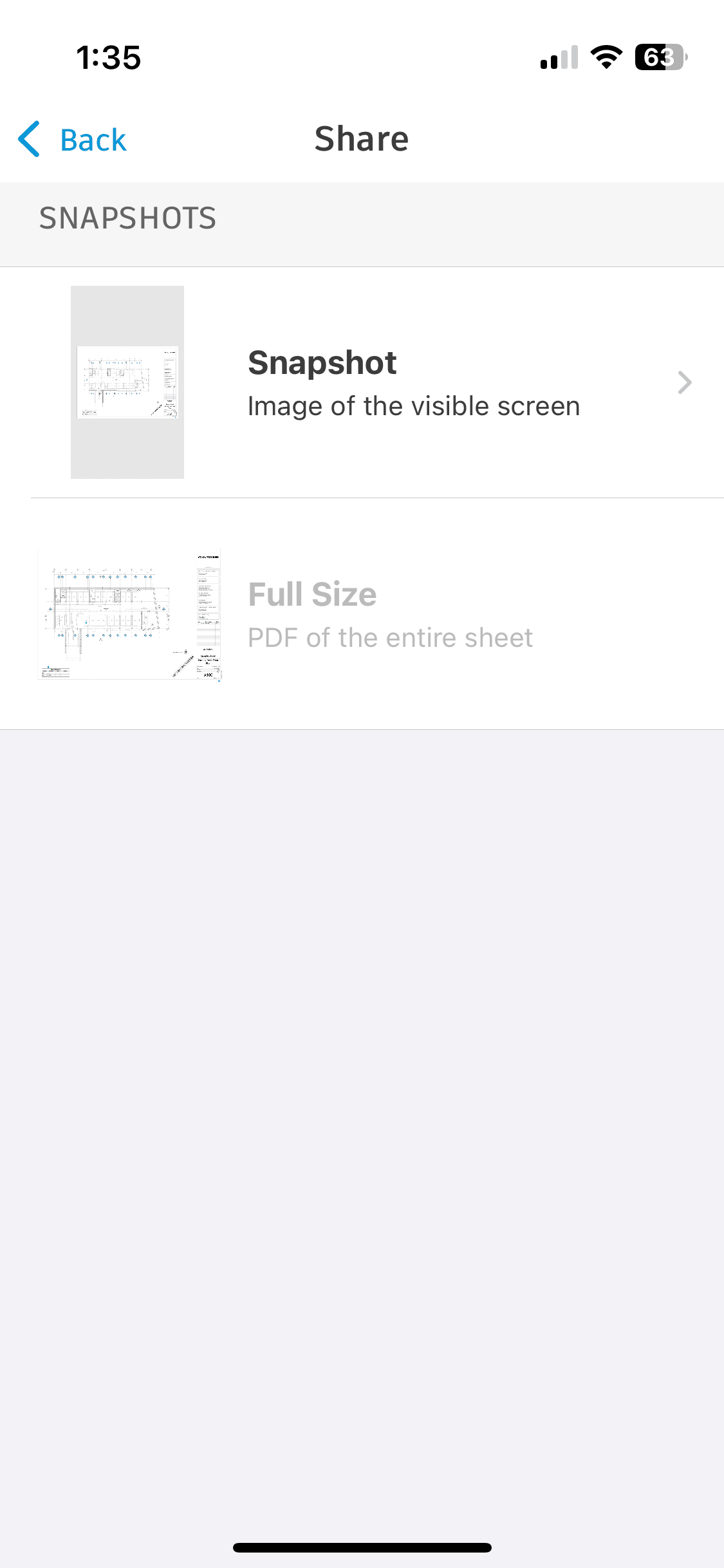
The Full Size option appears to be disabled. When the user selects this option, they receive the message reading, "Unable to Send an Export. Public link sharing is not enabled for this project. Contact your project administrator."
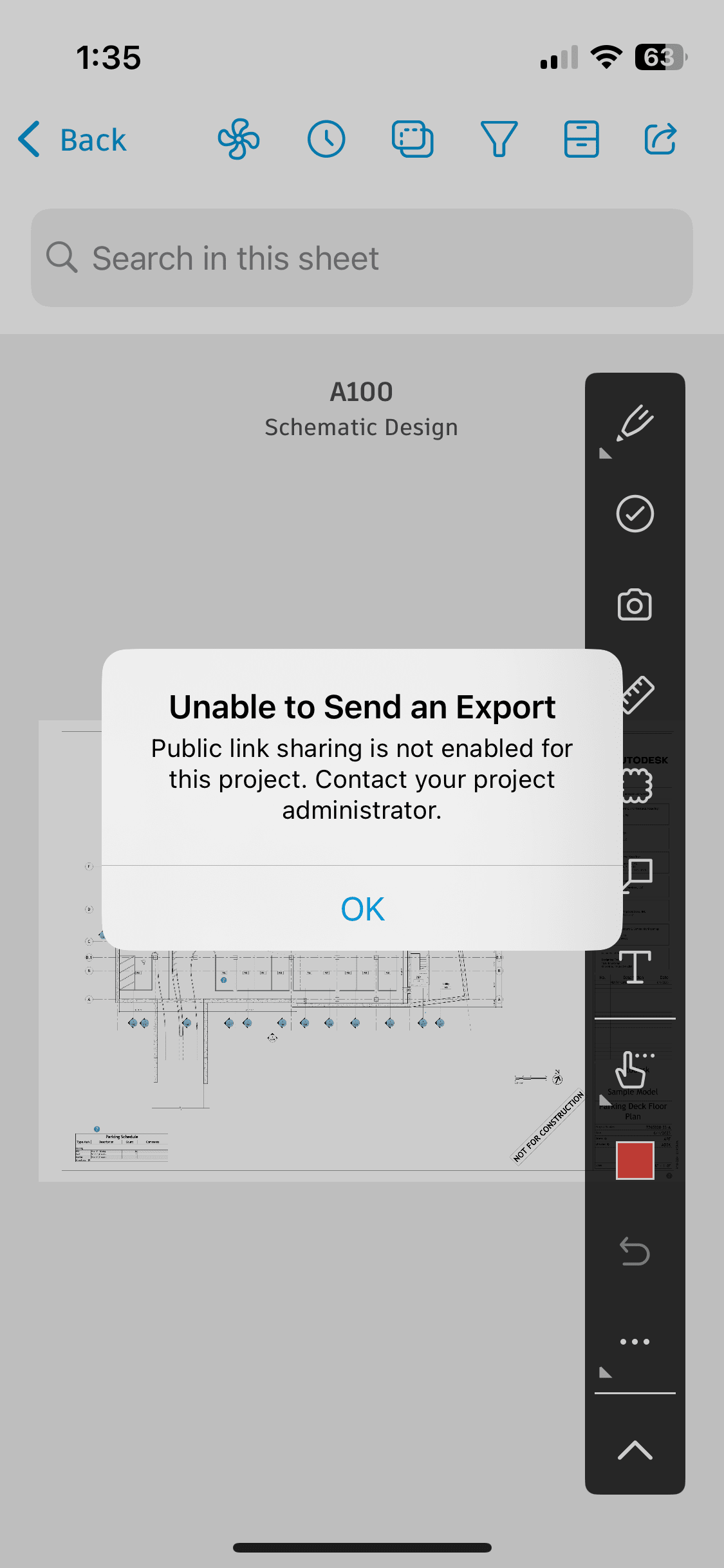
This occurs even if they are attempting to share the sheet with another project member.
Cause:
This feature is working as designed. Users cannot share full size sheets from the Forma
As the message indicates, a project administrator for the Forma Build project needs to enable Public links under Build > Sheets > Settings > Advanced Settings to allow project members to share full size sheets from the ACC mobile app
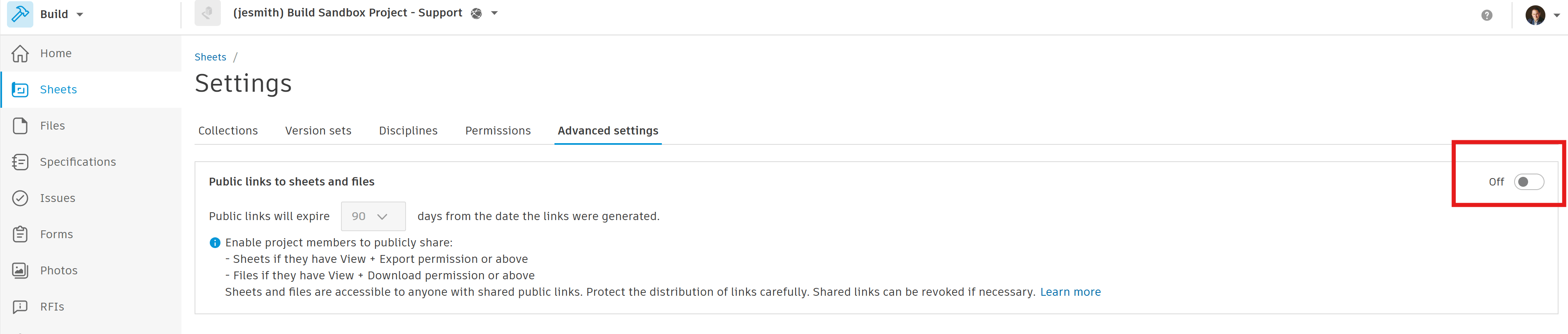
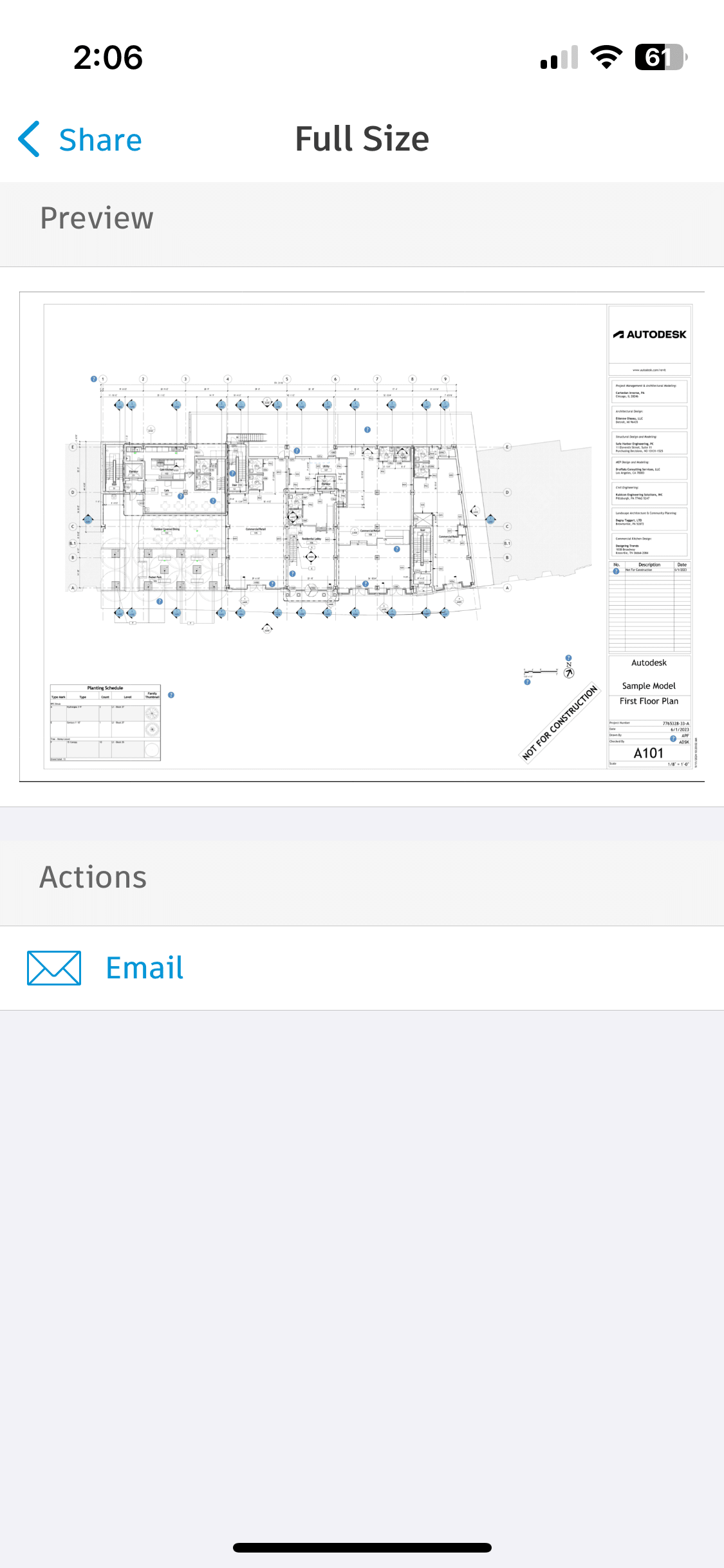
Once turned on, the Full Size option will be available to the user in the Forma mobile app, which will allow them to export a PDF of the sheet and email it to anyone, whether they are project members or not.
About the Author
More Content by Jeremy Smith