By: Akhilesh Trivedi
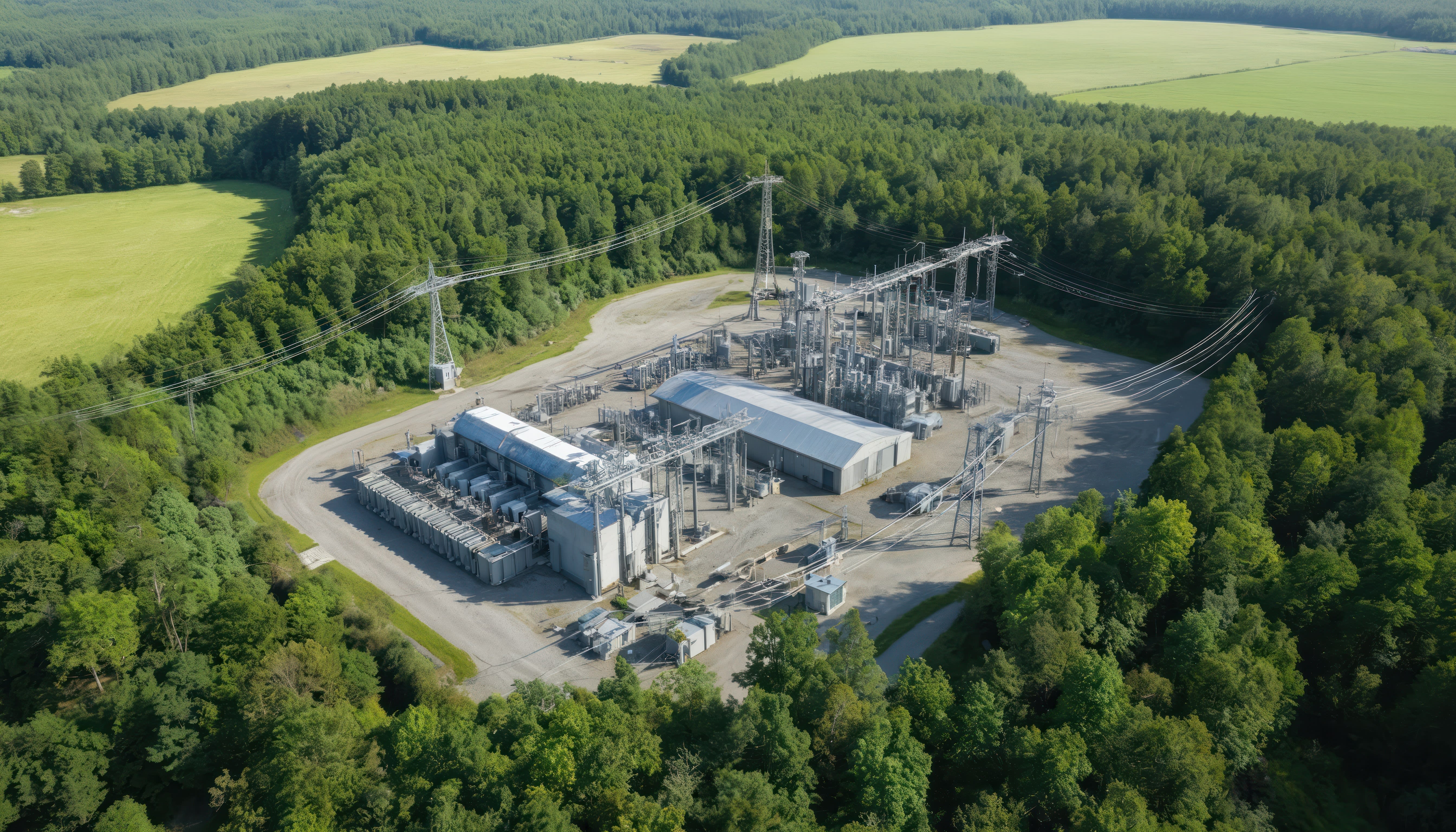
The new version comes with added support for Autodesk Inventor 2026: Substation Design Suite™ now supports Autodesk® Inventor® 2023 - 2026. P4I will continue to operate with Inventor 2022. Release notes are now automatically formatted for consistency across SBS products. Release notes will continue to be available in the downloads page of the SBS Portal.
Here are the improvements:
- Corrected Rotate Fitting errors: The Rotate Item tool will no longer error in some Model State configurations.
- Improved robustness of the Application startup and database selection: Database location will first be read from the SDS_Config202x.xml file, where 202x matches the version of Inventor being used. If the xml file is not found, it will look in the Windows Registry for database location defaults. Once database locations have been approved by the user, it will create the xml file.
- On initial Inventor start after install, P4I will check that the Application database is valid, and that the User database is Read/Write. On installation, P4I will no longer delete the Windows Registry settings for database location so that older installed P4I versions continue to operate as before.
- Application database recognizes value as date: With Inventor 2025, which uses .NET 8, it was recognizing some text incorrectly in the database fields as a date, causing an error. It will now only recognize dates in the Application database values that are in the form dd/mm/yyyy or dd-mm-yyyy.
- Fix to Addin files, Upgrade to About Box information: Addin files upgraded to avoid possibly loading incorrect version of SDS P4I. About Box upgraded to show the full product attributes when the 'Licensed Product' is selected.
- Application database Upgraded Fence Safety Clearance values: The installed Application database (SD3Db.sqlite) now has Design Check Clearances for Fence Clearance values as per The National Electrical Safety Code Section 11.
- Updates to user interface text: Fourteen (14) tool descriptions & tool tips have been updated for clarification or text errors. The text is defined in the installed Application database (SD3Db.sqlite).
Have questions about this release or how it impacts your workflows?
IMAGINiT’s utilities experts can help you understand the updates, manage upgrades, and ensure your Substation Design Suite environment is configured correctly.