Resource Center - Autodesk Blogs, Videos, Whitepapers | IMAGINiT
Welcome to our Hub


Connect, organize and optimize projects using a single construction management platform.
 1:01:39
Stay up to date on the latest Autodesk Forma enhancements with IMAGINiT experts Lisa Stine and Alan DeLuce. In this webinar, explore the July 2026 releases across preconstruction, model management, co

“The ability to make bulk changes in Forma, rather than updating users one at a time, is a huge benefit." Shannon Collins, Advanced Design Technology Lead, Wade Trim
 54:16
54:16Data center projects demand faster delivery despite growing complexity. Watch this on-demand webinar to learn how Autodesk Forma helps connect planning, design, construction, and operations to improve

IMAGINiT helps contractors reduce project costs, improve collaboration, and accelerate delivery by aligning people, process, and technology through Autodesk Forma expertise.
Make the Most of Your Construction Tools
Learn More
Explore the latest Autodesk Forma Site Design updates, including AI-powered design tools, Revit 2027 integration, Building Design, and enhanced site analysis.

“When we heard about Accelerate, it seemed like a no-brainer for Barton Malow.” Elizabeth Fox, Senior Technology Implementation Manager, Barton Malow

Compare Forma Build Essentials and Forma Build to find the right solution, from core field tools to advanced project management.
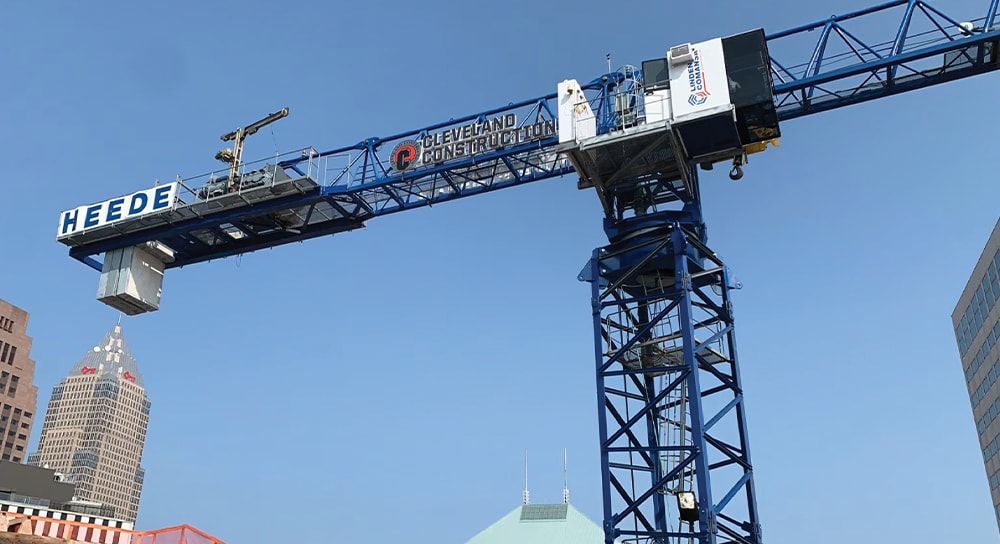
See how Cleveland Construction used Autodesk Forma and IMAGINiT Technologies to streamline workflows, improve collaboration, and reduce costs during a major platform transition.

Learn what to expect during the construction software selection process, from discovery and demos to implementation, training, and long-term success.
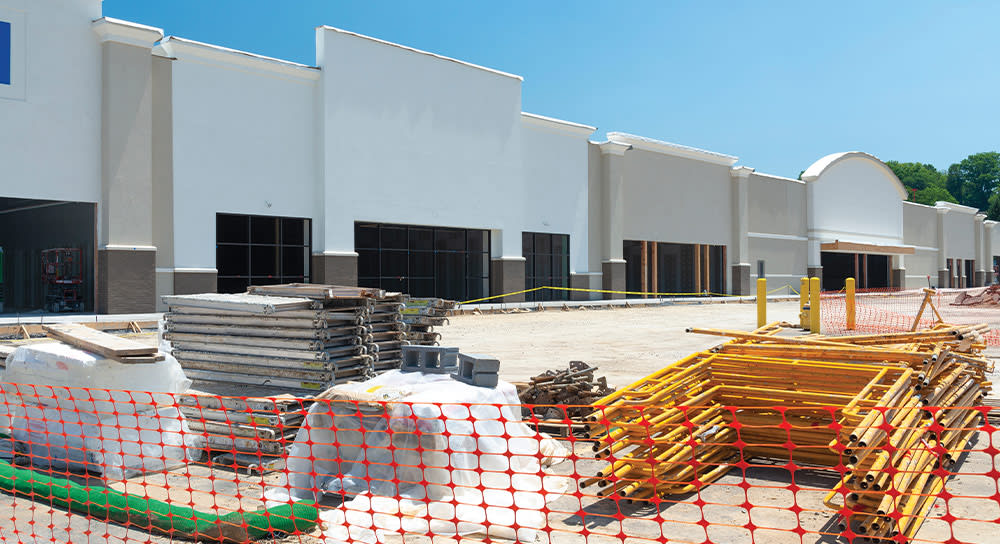
Learn how Autodesk Forma helps retail owners accelerate store rollouts, reduce risk, improve collaboration, and deliver projects with greater certainty.
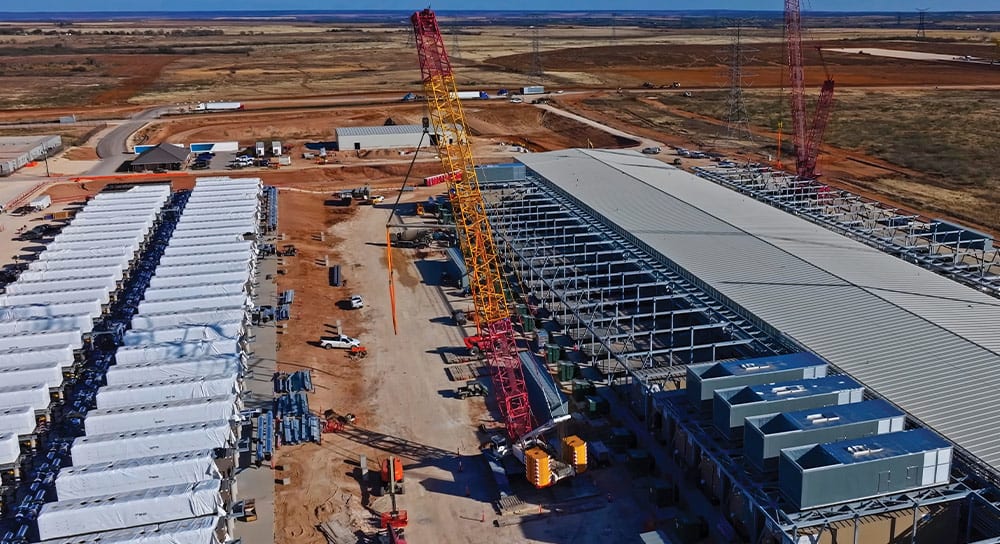
Accelerate data center planning with Autodesk Forma to reduce risk and make better decisions earlier.
 46:25
46:25Discover what’s new in Autodesk Forma with IMAGINiT Construction Experts Alan DeLuce and Danielle Lucas as they showcase the latest updates and share insights on how these enhancements can help stream

Learn what Autodesk Forma means for your Autodesk Construction Cloud workflows. What’s changing, what’s not, and how better early-phase decisions can improve project outcomes.
 37:45
37:45Discover how Autodesk Forma Data Management and Forma Build simplify project communication, improve collaboration, and reduce rework across construction projects.
 1:01
1:01In construction operations, everyday inefficiencies like cost overruns, rework, delayed approvals, and manual processes can put project performance and margins at risk. A structured approach to moder

Is Forma Data Management available with Flex Subscriptions?

Autodesk Forma Data Management and Forma Build create a single source of truth that reduces rework and keeps construction teams connected.
 1:01
1:01Data center projects demand faster delivery despite growing complexity. Watch this on-demand webinar to learn how Autodesk Forma helps connect planning, design, construction, and operations to improve
 0:58
0:58This video highlights IMAGINiT's services for Procore and Autodesk Forma users. Whether transitioning to Forma or needing ongoing data sharing, their migration and integration services ensure a smooth
 1:00
1:00IMAGINiT’s Autodesk Forma to Yardi Connector keeps Forma and Yardi in sync — aligning budgets, change orders, and financial transactions while allowing each system to remain the source of truth for wh
