On a construction project, the wrong model at the wrong time can have expensive consequences. Crews may install work based on outdated information, trade partners can coordinate against different versions, and project teams can lose valuable time determining which model reflects the latest design.
The problem is not a lack of information. Construction teams have access to more project data than ever before. The challenge is making sure that information is current, coordinated and available to the people who need it when decisions are being made.
As projects move from design through coordination and into the field, models are continuously updated by architects, engineers, contractors and trade partners. Without a consistent approach to managing those models and communicating changes, information gaps can quickly translate into rework, delays and additional coordination effort.
Effective model management helps close those gaps by giving project teams greater confidence that they are working from the right information at the right time.
From Model Coordination to Project Coordination
BIM coordination has traditionally been associated with BIM and VDC specialists responsible for combining models, identifying clashes and resolving conflicts. Those responsibilities remain important, but model information now has value across the entire project team.
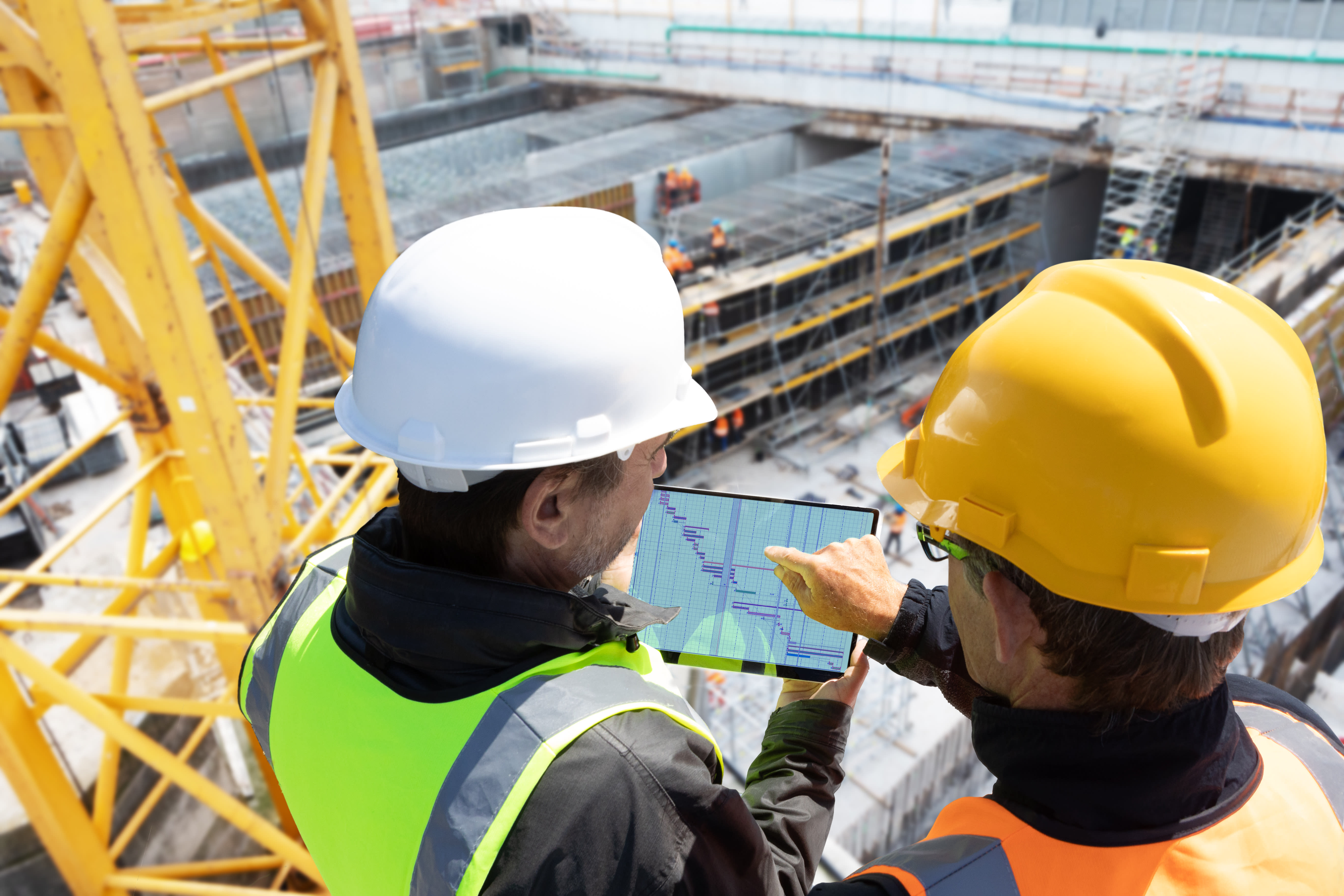
Project managers need visibility into changes that could affect schedules and costs. Superintendents need current information to understand what should be installed and when, while trade partners need to know whether changes affect their scope. The challenge is connecting these groups without creating another layer of disconnected files, emails and manual processes.
Autodesk Model Management provides a cloud-based environment where teams can access, review and coordinate current model information. Instead of treating the model primarily as a design deliverable, organizations can use it as a shared source of project information throughout construction.
Connecting Models to the Work
The value becomes clearer when model information moves beyond coordination meetings and supports day-to-day project execution.
When a design change is made, teams need to understand what changed, who is affected and whether planned work needs to be adjusted. In fragmented workflows, every manual handoff creates another opportunity for information to be delayed, overlooked or misunderstood.
Connected model management can give teams greater visibility into current models, design changes and coordination issues while linking that information to the workflows used to plan and execute work. The objective is not simply better model organization. It is giving teams greater confidence that the information guiding their decisions reflects the current state of the project.
See Connected Model Management in Practice
IMAGINiT’s two-part on-demand webinar series takes a closer look at how construction teams can put these concepts into practice.
-
- Model Management for Connected Control – Part 1 explores how Model Management and Autodesk Build can help connect design information with execution, including workflows for coordinating assets, tracking clashes and improving field visibility.
- Model Managment for Connected Control – Part 2 continues the discussion with a closer look at work planning and how teams can better plan, track and execute upcoming work.
Together, the sessions demonstrate an important shift: Models are becoming more than coordination files. When connected to the processes used to resolve clashes, manage assets and plan work, they can become a more useful source of information for the teams responsible for delivering the project.
Better model management ultimately comes down to confidence: confidence that teams are working from current information, that changes are visible to the people they affect and that coordination decisions carry forward into field execution.
Ready to create a more connected approach to model management? Talk to an IMAGINiT construction expert about improving coordination from the office to the field.