
In this presentation Todd Stuart explores how to your team can make the most of your investment of your Autodesk software and ProductivityNOW tools and functionality.
About the Author
Follow on Linkedin More Content by Todd Stuart

In this presentation Todd Stuart explores how to your team can make the most of your investment of your Autodesk software and ProductivityNOW tools and functionality.
About the Author
Procore to Forma Migration and Integration
Learn More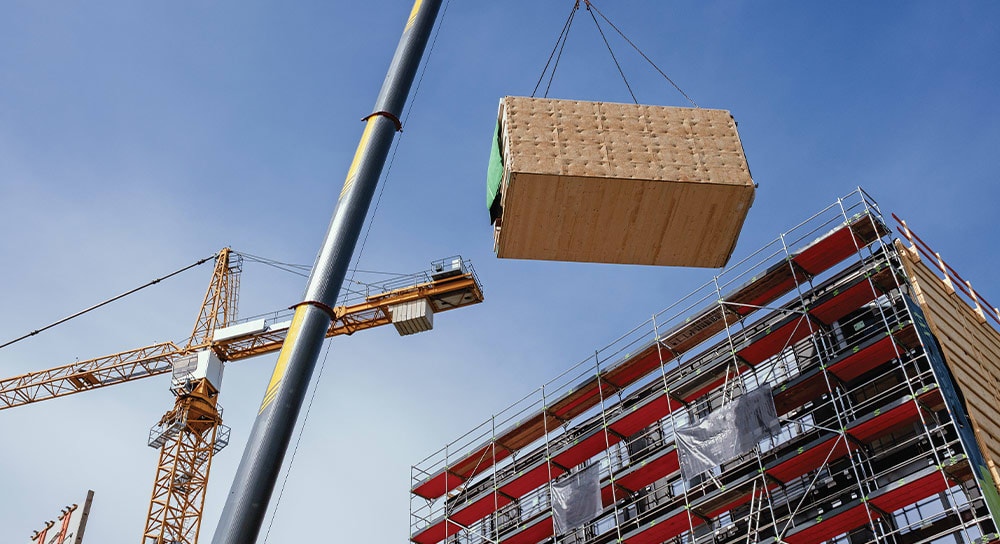
Forma for Manufacturing connects design and production to help create repeatable, configurable building products with trusted data from design through installation.
 0:37
0:37Learn how IMAGINiT can help you choose the right Autodesk licensing option to help maximize flexibility, give your team the access they need and control costs.
 1:01:14
Explore September 2026 Autodesk Forma updates that simplify estimating, improve model coordination, reduce manual tasks, and streamline workflows.

Learn how Autodesk Forma helps data center teams connect project data, improve coordination, reduce rework, and streamline delivery from design to operations.

Discover how data center owners can reduce risk, improve project delivery, and scale operations with connected data, digital twins, and Autodesk Forma.
 11:09
11:09Discover how IMAGINiT Accelerate Inbox simplifies Autodesk Forma Build workflows by bringing key project management capabilities directly into Microsoft Outlook.
 8:25
8:25Discover how IMAGINiT Accelerate Inbox simplifies Autodesk Forma Data Management and Forma Design Collaboration workflows by bringing key project management capabilities directly into Outlook.

Discover how BIM professionals can use AI to automate repetitive Revit tasks, improve workflows, and put their existing expertise to work.

Turn Revit model data into structured SQL data with IMAGINiT Clarity. Analyze projects, improve data quality, and build custom tools in your own environment.
 43:24
43:24Discover how Autodesk Forma helps government agencies improve document control, enhance design collaboration with BIM Collaborate Pro, and manage construction workflows with Autodesk Build. Learn how
 48:06
48:06Learn how artificial intelligence can support everyday BIM workflows by automating repetitive tasks, making project data easier to work with, and helping solve common challenges.
 58:47
58:47See how Okland Construction partnered with IMAGINiT to successfully migrate from Procore to Autodesk Forma across numerous projects. Learn how thoughtful planning, proven migration tools, and a strate
 1:01
1:01In construction operations, everyday inefficiencies like cost overruns, rework, delayed approvals, and manual processes can put project performance and margins at risk. A structured approach to moder

“The ability to make bulk changes in Forma, rather than updating users one at a time, is a huge benefit." Shannon Collins, Advanced Design Technology Lead, Wade Trim

Go beyond Autodesk’s 2027 State of Design & Make Report with insights into what IMAGINiT is seeing across North American AEC.
 54:16
54:16Data center projects demand faster delivery despite growing complexity. Watch this on-demand webinar to learn how Autodesk Forma helps connect planning, design, construction, and operations to improve

IMAGINiT helps contractors reduce project costs, improve collaboration, and accelerate delivery by aligning people, process, and technology through Autodesk Forma expertise.
 1:01:39
Stay up to date on the latest Autodesk Forma enhancements with IMAGINiT experts Lisa Stine and Alan DeLuce. In this webinar, explore the July 2026 releases across preconstruction, model management, co

Discover how Sevan partnered with IMAGINiT to scale a national reality capture program while maintaining quality, safety, and consistency across thousands of locations.
 39:33
39:33In this customer-focused session, we walk through the latest features and enhancements designed to make Autodesk Forma administration easier and give teams greater visibility into their projects and u
