When using the Stapler or Flatten tools in Bluebeam Revu, DWG files exported from AutoCAD, Civil 3D, or other CAD platforms may experience display or processing issues. These issues commonly occur when object transparency is used to create gradient effects within the drawing. During export or flattening, transparency data may not be interpreted correctly, resulting in visual artifacts or data loss.
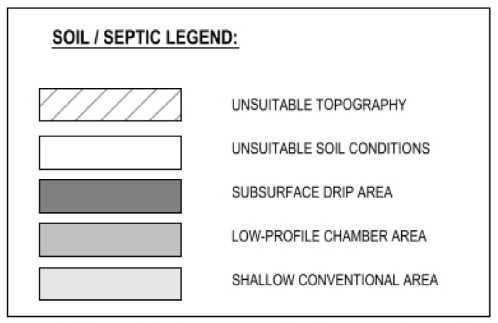
See examples below
Desired Output
Unwanted Output
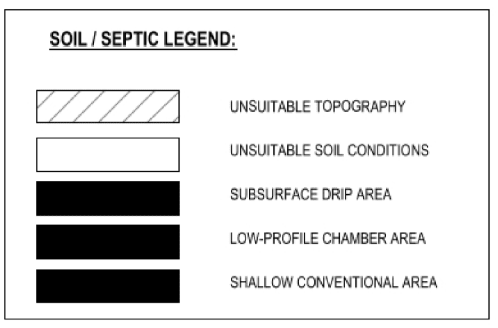
To prevent these issues, avoid using transparency-based gradients when drafting in these applications. Instead, use solid fills, hatching, or other non-transparent methods to achieve the desired visual effect.